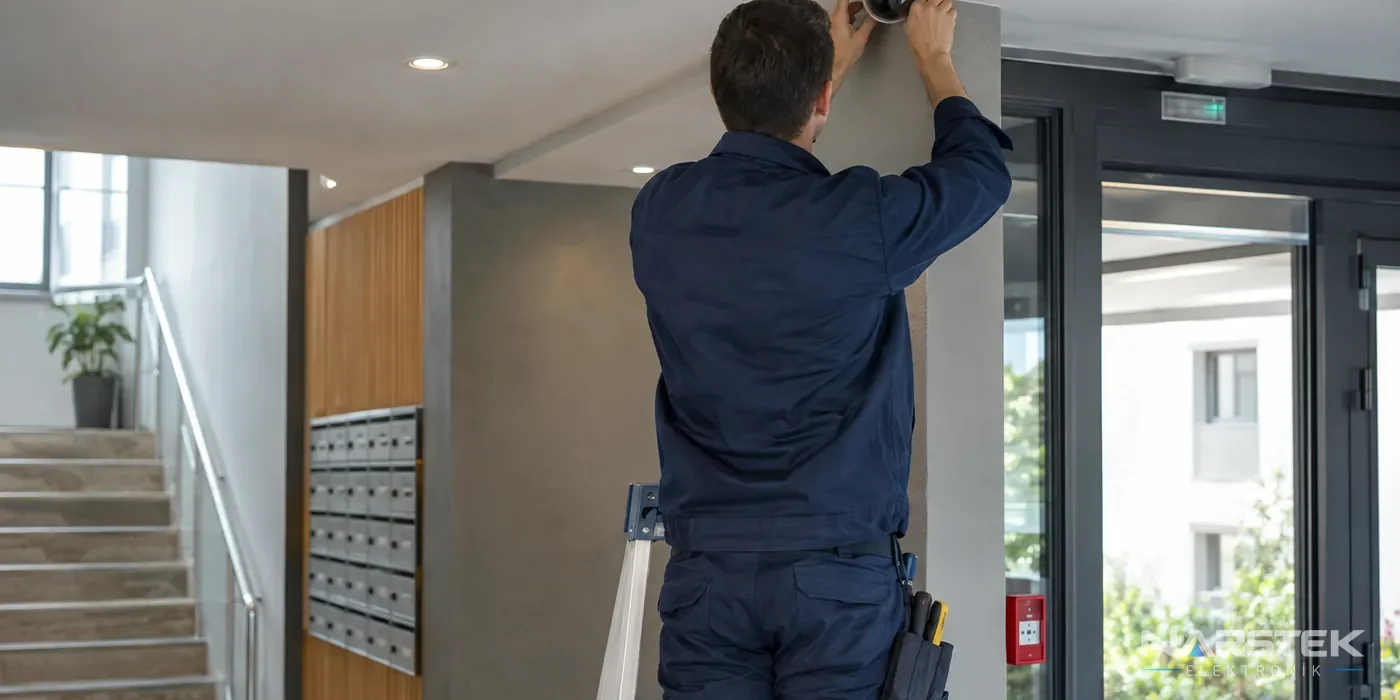
Planning CCTV installation in an apartment building or residential complex starts with identifying the security needs to be addressed and the areas to be monitored. For a residential complex CCTV system, decide from the outset not only on the viewing angles for shared areas such as entrances, car parks and the perimeter, but also on who will use the footage and for what purpose.
Before installation, review the building management plan and decisions made by the owners' association, and have the building management define the scope of the installation. The information below is for general guidance; consult a qualified professional for advice on your specific legal circumstances.
Where can cameras be installed?
The number and position of cameras are determined by the building's entrances and exits and its security requirements. During a site survey, we assess not only where cameras will be installed, but also the direction doors open, lighting conditions, blind spots and cable routes. The aim is to choose angles that cover the necessary areas without collecting unnecessary footage.
| Area | Points to consider when planning camera positions |
|---|---|
| Main entrance and building perimeter | Assess whether entrances and exits can be seen, the night-time lighting, and any backlighting that may affect the image. |
| Car park | Plan coverage of vehicle routes and shared circulation areas. Check for blind spots caused by pillars, ramps and parked vehicles. |
| Outside the lift | Target the shared corridor and passage area. The camera should not be angled to unnecessarily capture apartment doors or private living spaces. |
| Residential complex perimeter | Take account of access points along the perimeter and the building boundaries; avoid capturing private areas that are not relevant to the security need. |
Cameras should not be installed in areas where privacy is expected, such as toilets and changing rooms. Camera views should not include the interiors or windows of neighbouring apartments, or other private areas. Narrowing the field of view, repositioning the camera or applying suitable technical settings can help reduce this risk.
The same type of camera is not necessarily needed at every location. At entrances, facial and passage detail may be important; in car parks, wider coverage may be needed; and around the perimeter, weather-resistant housings and night-time imaging may be priorities. Camera selection depends not only on resolution, but also on lens angle, mounting height, lighting and compatibility with the recorder. These requirements are assessed together during a site survey for CCTV camera installation and maintenance.
Management decisions and KVKK information notices
Recording images using cameras involves the processing of personal data. Under Law No. 6698 on the Protection of Personal Data, visible notices that camera monitoring is in operation, limiting use to the stated purpose, defining the retention period and restricting access to recordings to authorised people are required.
When reviewing the building management plan and decisions made by the owners' association, the scope of CCTV use in shared areas, the security purpose for recording, who will manage the recordings and how retention will be handled can all be clearly addressed. Since legal details, such as the decision-making process or required voting threshold, may vary depending on the building's circumstances, we offer only general guidance here. The management should consult a qualified legal professional about the decision-making process and privacy notice.
Signs stating that CCTV is in operation should be placed where they can be seen before entering the monitored area. In addition to the information notice, you can also plan how to provide details that enable people to contact the data controller. Video recording and audio recording are not the same; the microphone on a camera with audio capability should also be assessed separately. Disable audio recording if it is not needed.
How to Choose a Camera, Recorder and Hard Drive
IP cameras can use a single cable for both data and power when connected to suitable devices supporting IEEE 802.3af/at PoE, and connect to an NVR. In analogue HD systems, HDCVI, TVI or AHD cameras use coaxial cable; a DVR or XVR is used for recording. Existing cabling and the need to replace the recorder affect which infrastructure is suitable. You can also compare this connection setup when assessing the differences between IP and analogue cameras.
The NVR channel capacity should be selected according to the number of cameras to be connected. Check also that the device is compatible with the camera resolution and recording format, and verify its drive-bay capacity and how the network connection is distributed throughout the building. H.265 and H.265+ compression can significantly reduce storage requirements compared with H.264. Actual storage needs vary according to the number of cameras, bit rate, daily recording hours and recording format.
The basic approach to calculating storage is to relate drive capacity to the number of cameras, bit rate and recording hours. For example, a single camera recording continuously at 4 Mbps produces approximately 43 GB of data per day: 4 Mbit/s × 86.400 seconds ÷ 8, approximately 43.200 MB. Motion-triggered recording and smart codecs can reduce the total requirement, but the result depends on the level of activity on site. For more on the calculation method, see the article on CCTV recording periods and HDD calculations. Surveillance-class hard drives suitable for 7/24 operation should be used in recorders.
Access to Recordings and Remote Viewing
Access to view and export recordings should be restricted to specific people. The organisation should define how it manages who can access live footage and how requests for recordings will be handled when investigating an incident. Avoiding shared user accounts and reviewing access when roles change makes it easier to manage permissions.
Remote viewing can allow a manager or authorised person to access live footage over a network. Before enabling this feature during installation, determine who will have access, how the accounts will be protected and which devices will be used to view the footage. Remote access should not be used as a reason to make recordings available to a wider group; permissions should be limited to what is necessary.
The retention period for recordings should be determined in advance according to need and purpose. Increasing drive capacity alone is not enough to retain recordings for longer; the retention period, access permissions and regular review of recordings should all be considered together. The privacy notice should also reflect how the system is actually used.
What checks should be carried out during maintenance?
Camera maintenance includes checking the cleanliness of the lens and housing, the field of view, night-time images, connections and whether recordings can be played back. Dust, moisture, vibration or impact in car parks and outdoor areas can affect a camera’s view. If you notice a blurred image or recording interruption, check not only the camera but also the cable, network connection and recorder.
The drive status, date and time settings, recording channels and system alerts on the NVR or DVR should be checked. If remote viewing is used, it is also advisable to review access accounts and permissions. Keeping maintenance records makes it easier to track recurring faults and changing requirements. You can submit a technical support request.
Example products from the catalogue
The products below are examples of IP cameras that can be considered for different installation requirements. The final choice should be based on the area to be monitored, lighting, mounting location, network infrastructure and recorder compatibility. For other options, see the IP cameras category.
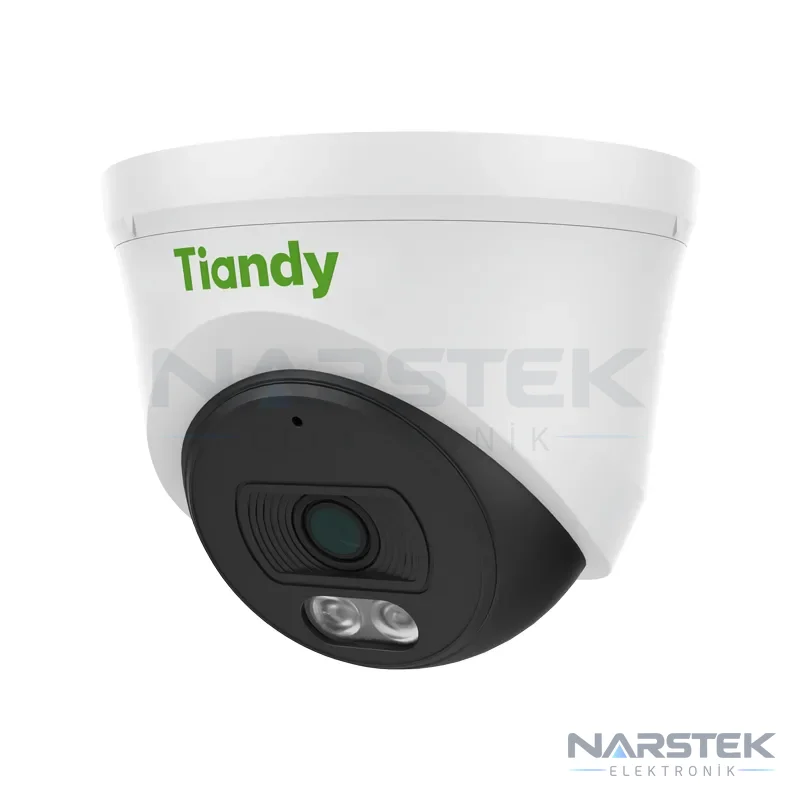
- Tiandy TC-C320N 2 MP Fixed IR Turret IP Camera: Offers PoE support, IR night vision up to 30 metres and a built-in microphone.
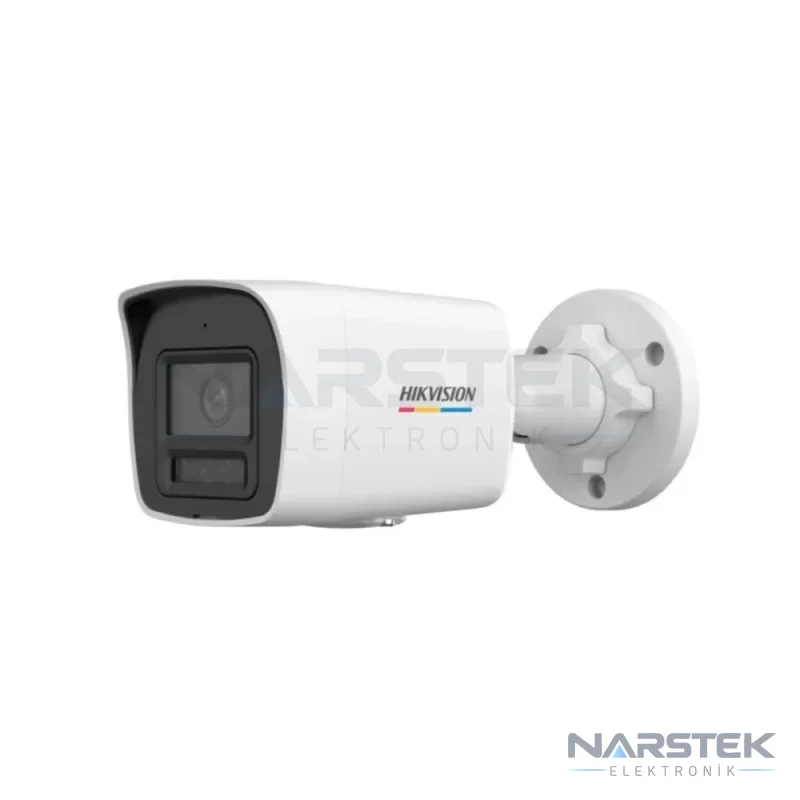
- Hikvision DS-2CD1027G3-LIUF 2 MP ColorVu 3.0 Smart Hybrid Light Bullet IP Camera: Offers colour imaging in low light and an IR or white-light option.
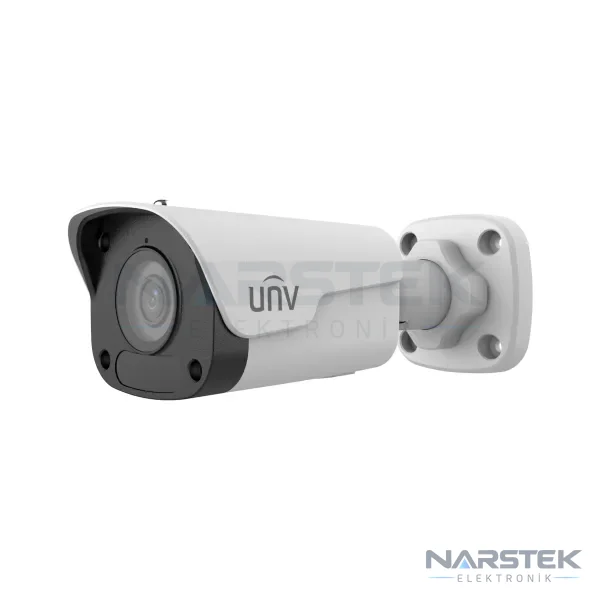
- Uniview IPC2122LB-ADF28KM-H 2 MP Fixed IR Bullet IP Camera: Features 120 dB WDR, a built-in microphone and IR illumination up to 30 metres for outdoor use.
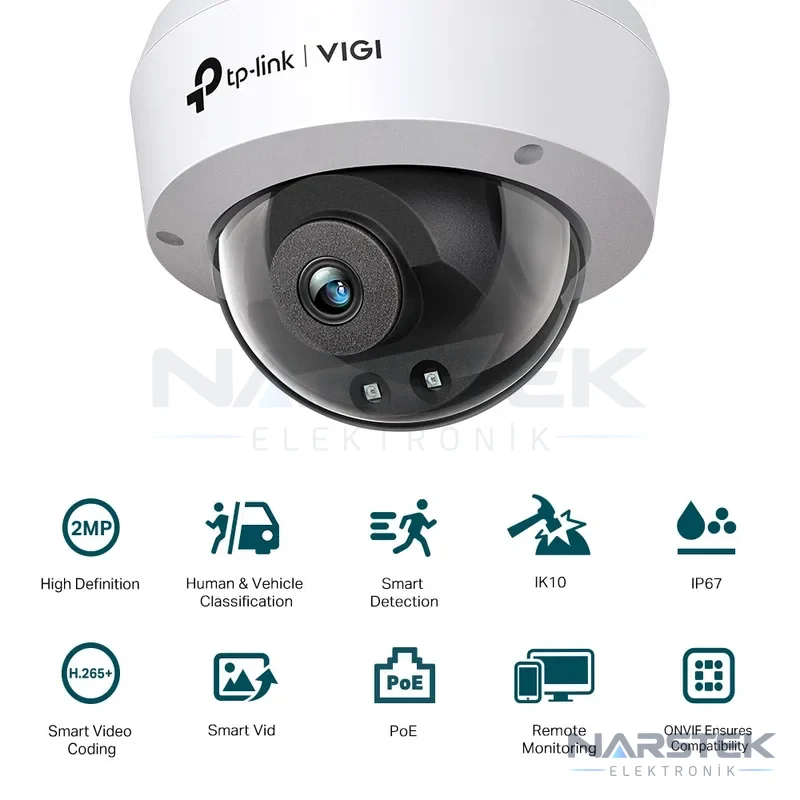
- TP-Link VIGI C220I 2 MP IR Dome IP Camera: Provides person and vehicle classification and IR vision up to 30 metres in darkness.
Request a Site Survey and Quote from Narstek
Based in Istanbul, Narstek Elektronik provides site surveys, installation, service and maintenance for CCTV systems, and supplies products and delivers projects across Türkiye. When requesting a site survey or quote, sharing the number of buildings or blocks, the areas to be monitored, existing cameras and recorders, any cabling infrastructure, remote viewing requirements and the target recording period will help with the initial assessment.
You can fill in the Request a Survey / Quote form, call 0212 424 07 24, or contact us on WhatsApp at 0540 001 07 24. Narstek Elektronik Bina Teknoloji San. ve Tic. Ltd. Şti. is located at Tevfikbey Mah. Halkalı Cad. No:112 Nazlı İş Merkezi Kat:3 Ofis No:64 Küçükçekmece / İstanbul.
Frequently asked questions
How should the retention period for apartment CCTV footage be determined?
The retention period should be determined in advance according to the purpose of recording and the requirements. Recorder disk capacity is also selected based on the chosen retention period, number of cameras, bit rate and daily recording hours.
Who can access CCTV footage?
Access should be restricted to people authorised by the management. Permissions for live viewing and exporting recordings can be defined separately.
What is the main connection difference between IP and analogue HD cameras?
IP cameras can be powered over a network cable using PoE and connect to an NVR. HDCVI, TVI and AHD analogue HD cameras use coaxial cable and record to a DVR or XVR.
Should remote viewing be enabled for a residential complex CCTV system?
Remote viewing can be planned according to need. Decide in advance who will have access, which user accounts and viewing devices will be used, and restrict access to authorised users only.
Share the panel brand, number of devices and address, and we’ll get back to you about a site survey and quote.