The difference between IP and analogue cameras cannot be explained by resolution alone. The recorder, cabling, existing infrastructure, need for intelligent analytics and total installation cost should all be considered. IP cameras offer flexible networking features in a new system; in buildings with existing coaxial cabling in good working order, HD analogue cameras can make use of the existing cables.
When choosing a system, first identify the camera locations and your recording requirements. Then check the cable routes, available recorder and disk capacity. This information will help determine which technology is more suitable for your building.
How IP and HD analogue systems work
An IP camera transmits images digitally over a network and connects to an NVR. Cameras are connected to the network via Ethernet. PoE-enabled models can receive both data and power over a single Cat6 cable from a switch or recorder compatible with IEEE 802.3af or 802.3at. However, do not assume that every IP camera supports PoE; check the model specifications.
An HD analogue camera transmits images over coaxial cable using formats such as HDCVI, TVI or AHD. A DVR or an XVR that supports these signals is used for recording. The camera may need a separate power supply; the cable type and power connection depend on the device design.
HD analogue is not the same as older, low-resolution analogue systems. The camera and recorder used in these systems must support the same signal format. If you plan to retain existing cameras or cables, check the current DVR/XVR model and connection status on site. Browse products in the HD analogue camera category and compare IP options in the IP cameras category.
What to consider for image quality
The resolution and image settings of IP systems can be managed over the network, but the “IP” label alone does not determine image quality. The sensor, lens, field of view, lighting, compression settings and amount of movement in the scene all affect the result. For HD analogue cameras, also assess the resolution and image format supported by both the camera and recorder.
If you need to see details of faces and clothing at an entrance, the camera’s field of view and mounting distance are important. Using a single camera to monitor a large car park, on the other hand, may reduce the level of detail in specific areas. During the site survey, camera positions, lighting conditions and areas to be monitored are assessed together; a different lens or camera type may be selected if needed.
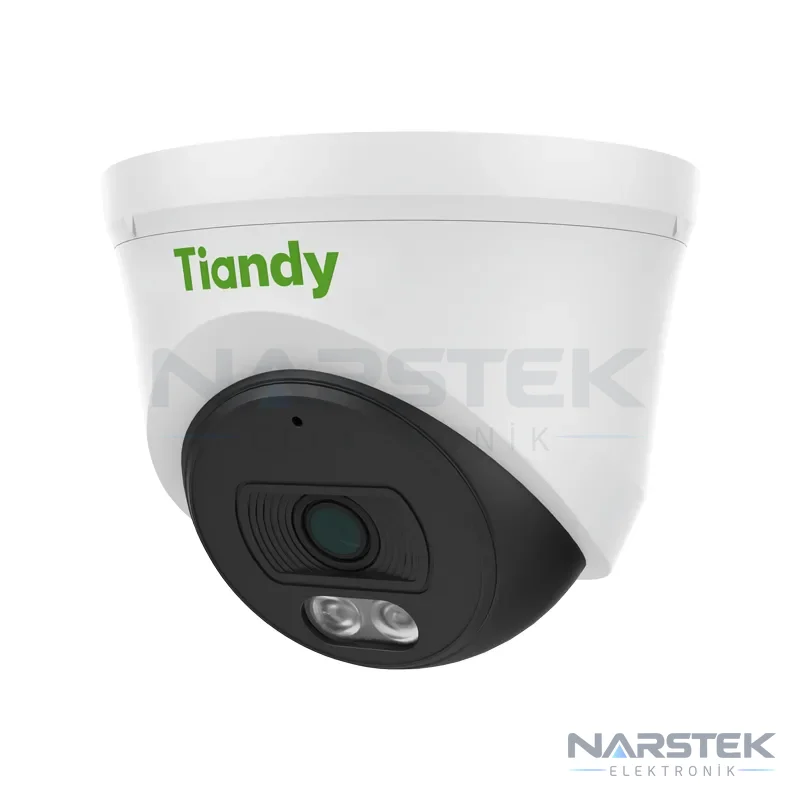
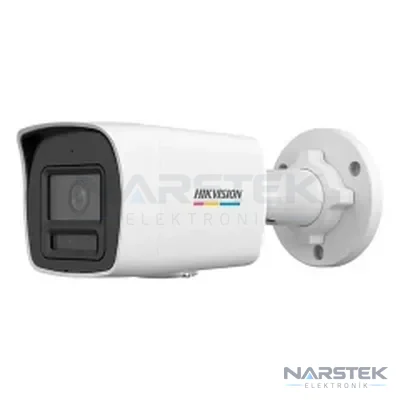
For night-time images, features such as IR illumination, white light or colour imaging in low-light conditions are selected according to the location. For example, the Tiandy TC-C320N listed in the catalogue is specified with 1920×1080 resolution, IR night vision up to 30 metres and PoE support. The Hikvision DS-2CD1047G2H-LIUF is designed to provide colour images in low-light conditions, with 4 MP resolution, ColorVu and Smart Hybrid Light features. Product specifications should be considered alongside site conditions to determine whether a product is suitable for the intended use.
Cabling and existing infrastructure
Cat6 cable is a common choice for connecting IP cameras to network equipment in new projects. With PoE, a compatible camera can receive power and data over a single cable, reducing the need to run a separate power line to the camera location. However, the switch, NVR and cable routes must also be included in the project. Check that the network has sufficient ports and capacity.
If coaxial cables in a building are in good condition, an HD analogue system may allow you to make use of the existing infrastructure. Before assuming that the existing installation is suitable, check the cable ends, joints, power lines and recorder. Damaged cables or changes to camera locations may result in additional replacement costs.
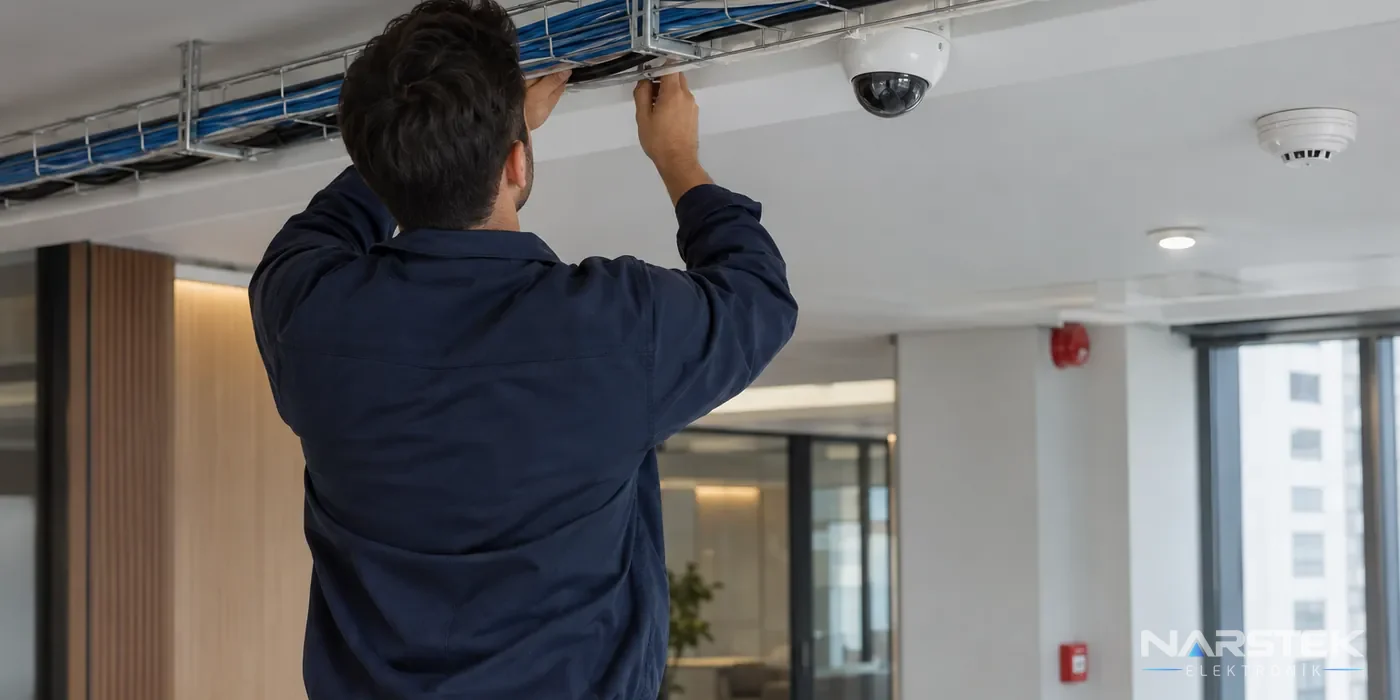
Identifying the cable type and device model is the first step when assessing an installed system. Switching to IP cameras may involve more than replacing the cameras; the network switch, recorder and disk capacity may also need upgrading. When switching from analogue to HD analogue, check whether the existing coaxial line can be used and whether it is compatible with the XVR. A site survey as part of the CCTV camera installation and maintenance service can help assess the condition of the existing system.
PoE, intelligent analytics and recording capacity
Because IP cameras are network-based, they offer options such as remote access, network management and applying different settings to individual cameras. Some models include intelligent analytics such as human or vehicle classification and motion detection. The features available vary by model; being an “IP camera” does not, on its own, guarantee any particular analytics feature.
HD analogue systems may also offer motion detection or intelligent analytics. Check the product documentation to find out whether the camera or DVR/XVR provides the feature and which channels support it. When choosing a system, check not only the name of the analytics feature, but also whether it can reliably detect the event you need and is compatible with the recorder.
The main factors determining recording time are the number of cameras, bit rate, recording hours and disk capacity. An approximate calculation is: Recording time = disk capacity / (number of cameras × bit rate × recording hours). For example, a single camera recording continuously at 4 Mbps generates approximately 43 GB of data per day. Motion-triggered recording and smart codecs can reduce this amount; the actual figure depends on the settings and the scene.
H.265 and H.265+ compression can significantly reduce storage requirements compared with H.264. The recorder should use a surveillance-grade drive suitable for 7/24 operation. When calculating storage, consider not only the current number of cameras but also planned additions and the required recording period. For a detailed calculation, see our guide to camera recording time and HDD capacity.
Cost and system selection
Do not limit the initial investment cost to the price of the cameras. The total budget is affected by the number and features of the cameras, recorder, hard drive, cabling, switches or power equipment, installation and commissioning labour. Reusing the existing coaxial infrastructure can reduce some cabling costs for Analog HD systems. An IP system, however, may involve additional costs for PoE equipment and network infrastructure.
When assessing a system’s costs over the years, also consider maintenance, replacement parts in the event of a fault, and the need to increase capacity. If the existing DVR/XVR and cabling are in working order, consider upgrading without replacing everything. By contrast, IP infrastructure can offer a more flexible installation for new buildings, expansions or projects requiring network access from different locations.
| Comparison point | IP camera | Analog HD camera |
|---|---|---|
| Transmission and recording | Network connection, NVR | Coaxial connection, DVR/XVR |
| Wiring | Ethernet, usually Cat6 | Coaxial cable |
| Power | Single-cable PoE using IEEE 802.3af/at on compatible models | Camera power is provided separately, depending on the installation method |
| Smart features | On-camera analytics and network features, depending on the model | Varies by camera or DVR/XVR model |
| Existing infrastructure | Network and PoE infrastructure are assessed | Suitable coaxial runs can be reused |
| Expansion | Network capacity, switches and NVR channels are checked | XVR channel and format compatibility is checked |
When should you consider a hybrid XVR?
If a building has analogue cameras installed at different times as well as new camera locations, a hybrid XVR can make the transition easier. Depending on the model, XVR recorders can support certain numbers of IP cameras alongside Analog HD camera types. This feature is not the same on every XVR; check the device documentation for the channel count, supported signal formats and IP camera capacity.
A hybrid installation can enable a phased upgrade instead of replacing the whole system at once. You can first replace cameras with poor image quality or faults, while other cameras can remain in service if they are suitable. Do not assume compatibility without checking the old cameras’ video standard and the condition of the cabling.
Contact us to arrange a site survey
Narstek Elektronik provides site surveys, installation, maintenance and fault services from its Istanbul base, as well as project services and product supply across Türkiye. To help determine the right system, we assess the camera locations, cable routes and existing recorder together with the building manager or technical team.
When requesting a quote, provide the building type and location, approximate number of cameras, required recording period, existing DVR/NVR model, and whether the cabling is coaxial or Cat6. A simple plan showing camera locations or photos of the existing system can also help us prepare for the site survey. You can complete the site survey and quote request form, call us on 0212 424 07 24, or message us on WhatsApp at 0540 001 07 24.
Frequently asked questions
What is the main difference between an IP camera and an HD analogue camera?
An IP camera transmits video over a network to an NVR, while an HD analogue camera connects to a DVR/XVR via coaxial cable using formats such as HDCVI, TVI or AHD. The cabling and recorder you need depend on the type of system.
Can I reuse existing coaxial cables when upgrading my camera system?
If the cables are in good condition and the recorder is compatible, existing coaxial lines may be reused with HD analogue cameras. Check the cable ends, joints and power connections before installation.
Does every IP camera support PoE?
No. PoE support depends on the camera model and the network equipment used. Check the product documentation to confirm that the camera and the switch or recorder are compatible with IEEE 802.3af/at.
How can I increase the camera recording time?
Increasing disk capacity or adjusting the bit rate and recording method to suit your needs can affect recording time. H.265/H.265+ compression and motion-triggered recording can reduce disk usage; for recording calculations, choose a surveillance-class drive rated for 7/24 operation.
Share the panel brand, number of devices and address, and we’ll get back to you about a site survey and quote.