
To calculate CCTV recording time, you need to know the number of cameras, the average bitrate per camera, daily recording hours and the retention period. For continuous recording, disk requirements are calculated using these values; for example, a camera running at 4 Mbps produces approximately 43,2 GB of data per day.
These figures are not exact device results. Movement in the image, scene detail, resolution, frame rate and compression settings can all change the bitrate. Use the calculation as a pre-project estimate, then check the actual bitrate on the recorder after installation.
Formula used to calculate recording duration
For a practical calculation, bitrate is expressed in Mbps, recording time in hours per day and capacity in decimal GB. The formula for continuous recording is:
Required disk space (GB) = number of cameras × bitrate (Mbps) × daily recording hours × number of days × 0,45
The 0,45 factor is based on one Mbps producing approximately 0,45 GB of data over one hour. If recording takes place for 24 hours per day, the daily amount for one camera is found by multiplying the bitrate by 10,8. For example, 4 Mbps × 24 × 0,45 = 43,2 GB/day.
- Determine the number of cameras.
- Find the average bitrate of each camera in Mbps. Manufacturer settings or measurements from the recorder are more useful than an assumed estimate.
- Enter the daily recording hours and retention period in days.
- Insert the values into the formula. If cameras have different bitrates, calculate each group separately and add the results.
The GB calculation uses decimal capacity. Due to formatting and system overhead, the usable space may be lower than the capacity shown on the disk label. When planning, check not only the theoretical total but also the usable space shown by the device.
Example capacity table for 2 MP, 4 MP and 8 MP
The bitrates below are example values selected only to illustrate the calculation: 2 Mbps for 2 MP, 4 Mbps for 4 MP and 8 Mbps for 8 MP. These are not mandatory bitrates for each resolution. Camera settings, compression, movement in the image and level of detail can all change actual usage.
| Resolution | Example bitrate | 1 cameras, 24 hours/day | 30 days | 90 days |
|---|---|---|---|---|
| 2 MP | 2 Mbps | 21,6 GB | 648 GB | 1.944 GB |
| 4 MP | 4 Mbps | 43,2 GB | 1.296 GB | 3.888 GB |
| 8 MP | 8 Mbps | 86,4 GB | 2.592 GB | 7.776 GB |
The table is for a single camera recording continuously. For example, under the same assumptions, the raw storage requirement for 8 camera recording at 4 Mbps for 30 days is 1.296 × 8, or 10.368 GB. When calculating the total for multiple cameras, check the recorder’s total input bandwidth and supported disk capacity as well as the number of channels.
H.265+, motion recording and daily storage
H.265 and H.265+ compression can significantly reduce storage requirements compared with H.264 under the same image conditions. However, the reduction varies between cameras and scenes. When using H.265+, the recorder and camera must support this encoding, and their settings must be compatible; where possible, update the capacity calculation using the average bit rate observed on the device.
With motion-triggered recording, the camera can be set to record only when an event is detected. This can reduce the total data generated in empty corridors or low-activity areas. However, recording at a busy entrance can approach continuous recording. Pre-event and post-event recording settings also affect storage, so it is not advisable to guarantee an exact number of days for motion recording based only on a theoretical ratio.
IP cameras with IEEE 802.3af/at PoE support can receive both data and power over a single Ethernet cable and connect to an NVR. HD analogue cameras such as HDCVI, TVI and AHD use coaxial cable; a DVR or XVR is used for recording. You can explore the differences between IP cameras and HD analogue cameras to help choose a camera type and recorder.
Planning for 30- and 90-day recording scenarios
30-day recording is a practical capacity scenario for many projects; when 90 days are required, storage needs for the same camera and bit rate increase approximately threefold. For example, a single camera recording at 4 Mbps requires 1.296 GB for 30 days and 3.888 GB for 90 days in raw storage. These figures should be considered alongside the disk’s actual usable capacity and the recording settings.
According to the current guidance shared for private educational institutions, at least 90 days of video footage must be stored for the specified common areas. Cameras should not be positioned to view the interiors of classrooms or other specified private areas; the stated exceptions and recording conditions for special education institutions should also be considered. Recordings may be reviewed only in response to a request for a judicial or administrative investigation by the authorised authorities, and the provisions of the KVKK (Personal Data Protection Law) apply. For guidance on the requirements for your institution, see our article Recording Requirements for MEB Private Schools and Institutions: 90 Days.
When calculating for 30 or 90 days, consider the areas to be recorded, the number of cameras and image quality together. Find out more about our CCTV camera installation and maintenance service for camera installation and maintenance, and compare suitable equipment in the Recorders (NVR / DVR) category.
RAID and surveillance disk selection
RAID combines multiple disks in a particular configuration to provide capacity, continued operation in the event of a disk failure, or a combination of these. Not all of the total installed disk capacity may be available for recording in a RAID configuration. Check the manufacturer’s documentation to confirm the RAID type, number of disks and usable capacity after RAID configuration supported by the device. RAID alone is not an independent backup of recordings.
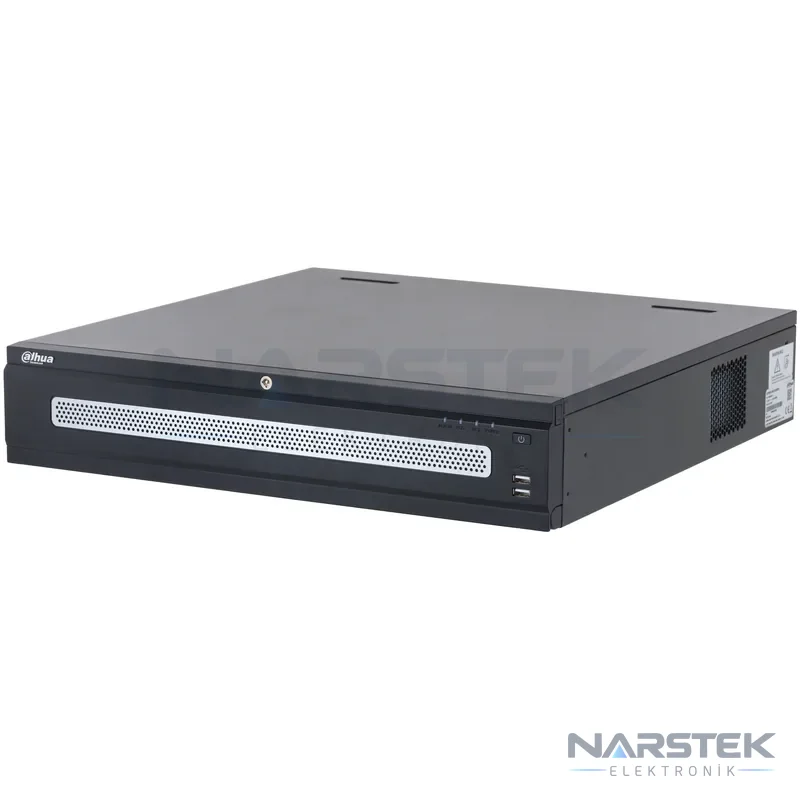
Surveillance-class disks suitable for 7/24 operation should be used in recorders. When selecting a disk, do not consider only its terabyte capacity; also check the NVR/DVR’s number of disk bays, supported disk capacity and any RAID features. For example, the Dahua NVR5816RH-XI offers eight disk bays and RAID options. The Dahua NVR5816H-XI supports up to eight HDDs.
Example NVRs from the catalogue
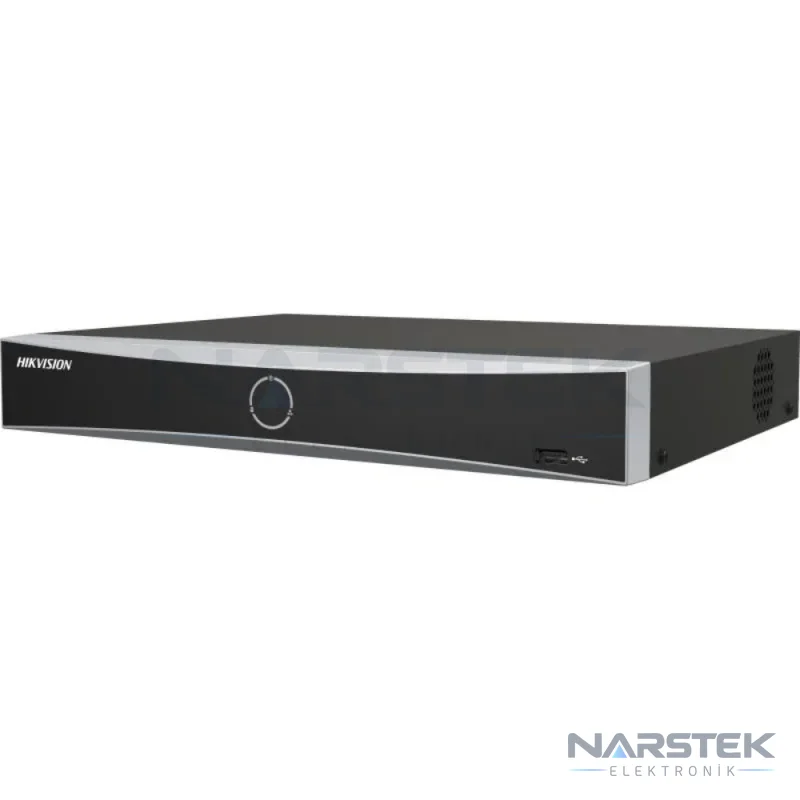
- The Hikvision DS-7604NXI-K1 supports up to 4 IP cameras and offers H.265+ compression.
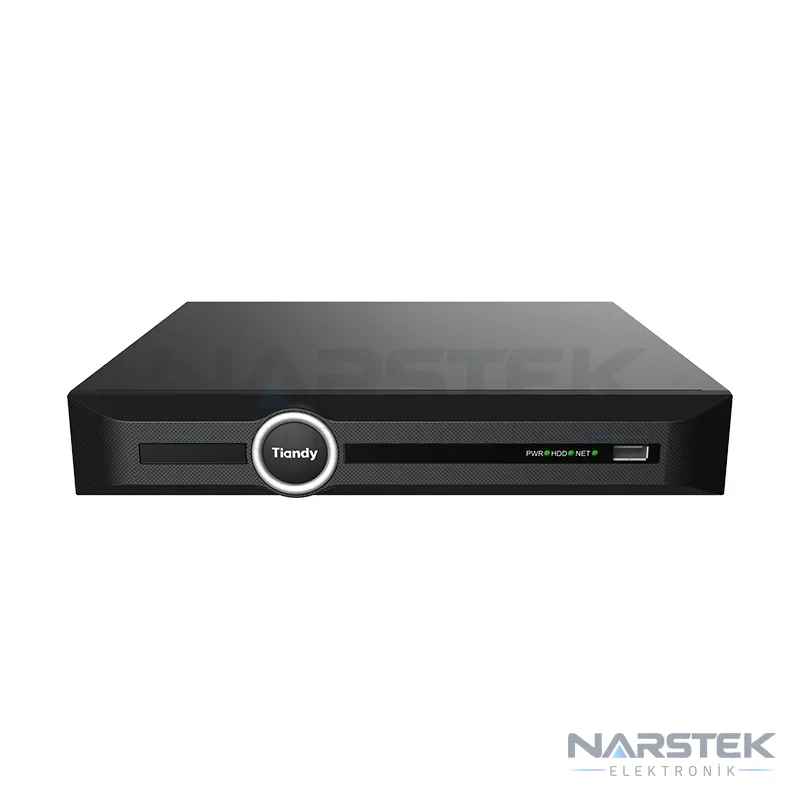
- The Tiandy TC-R3110 48HA is an 10-channel NVR with 8 PoE ports.
- The TP-Link VIGI NVR1004H supports recording from 4 IP camera channels and H.265+; its SATA interface supports capacities of up to 10 TB.
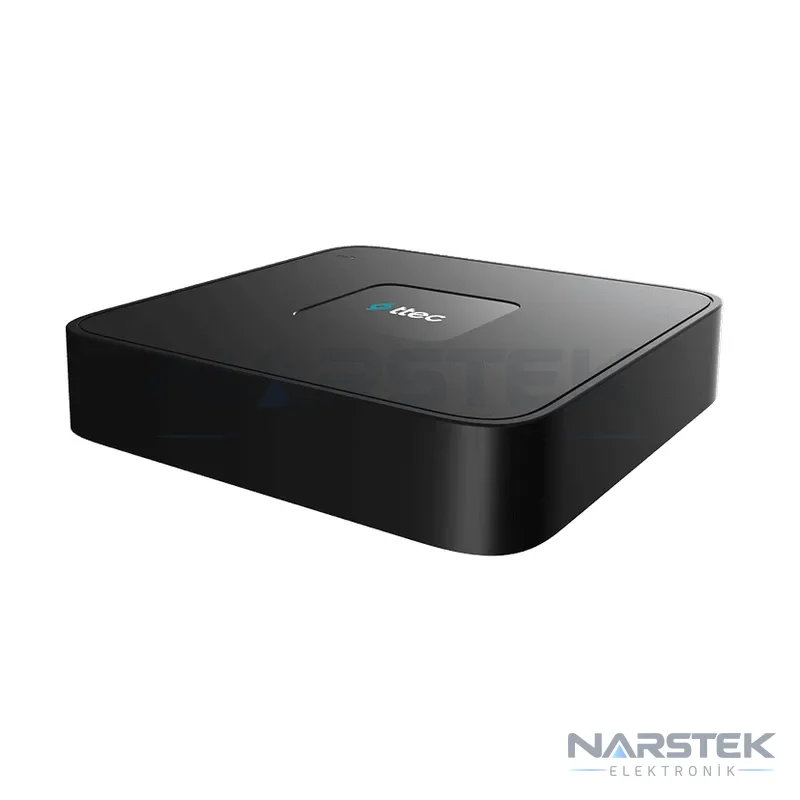
- The TTEC NVR-3104HP-4K has 4 channels and capacity for 1 8 TB HDDs.
Choose a model based on the number of cameras, total bit rate and required recording period. The number of PoE ports, disk bays and total supported capacity vary between products. You can request support based on your cameras and recording requirements using the survey and quote form.
Contact us to arrange a site survey
Based in Istanbul, Narstek Elektronik provides site surveys, installation, maintenance and servicing for CCTV systems, as well as project services and product supply across Türkiye. To help ensure the calculation matches your system on site, include the number of cameras, their resolutions, average or target bit rate, daily recording hours and required retention period with your quote request.
Also include the existing device’s make and model, number of disk bays, installed disk capacity, H.264/H.265/H.265+ settings and motion-recording plan. If available, a camera layout or the bit-rate information shown on the device screen will help clarify the capacity calculation. You can use the survey / quote form, call 0212 424 07 24, or message us on WhatsApp at 0540 001 07 24.
Frequently asked questions
How much storage space does a camera operating at 4 Mbps use over 30 days?
Assuming continuous recording, daily usage is approximately 43,2 GB, and the raw requirement for 30 days is approximately 1.296 GB. Check the recorder for the actual available disk space, as formatting and the device’s usable capacity affect it.
Can I calculate the exact recording duration when using H.265+?
The codec name alone cannot determine the exact duration. Bitrate depends on the scene, movement in the image and camera settings; using the average bitrate shown by the NVR in the formula gives a more reliable estimate.
How much does motion detection recording reduce disk capacity requirements?
There is no fixed reduction rate. Recording duration depends on how much movement there is in the area and on the pre-event and post-event recording settings; in busy areas, usage may approach that of continuous recording.
Is using RAID sufficient to back up recordings?
No. Depending on the disk configuration, RAID can affect system availability or usable capacity, but it is not an independent recording backup on its own. Plan for the usable space after RAID configuration as well as any separate backup requirements.
Share the panel brand, number of devices and address, and we’ll get back to you about a site survey and quote.