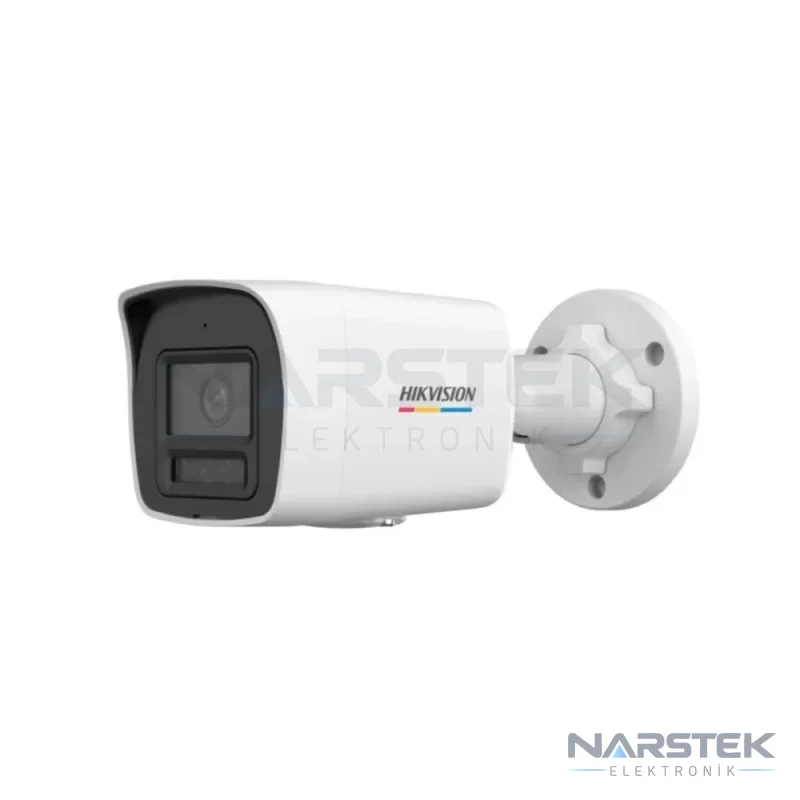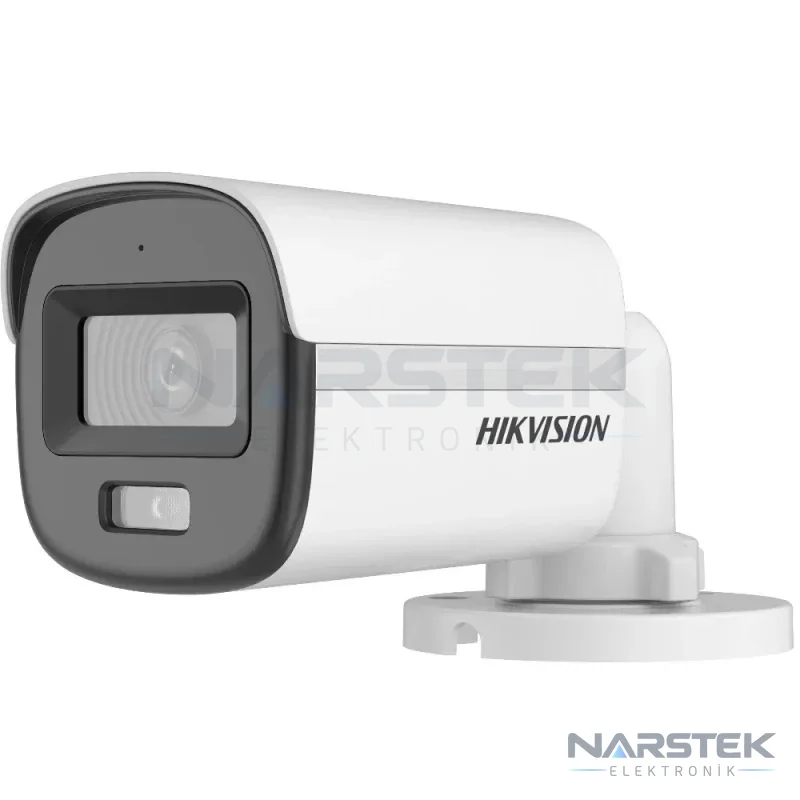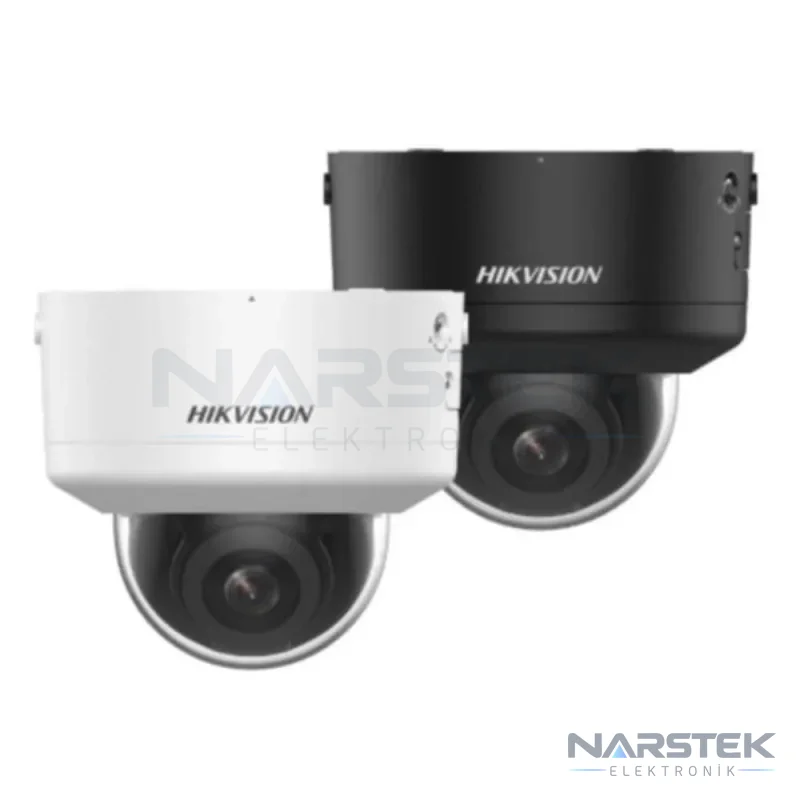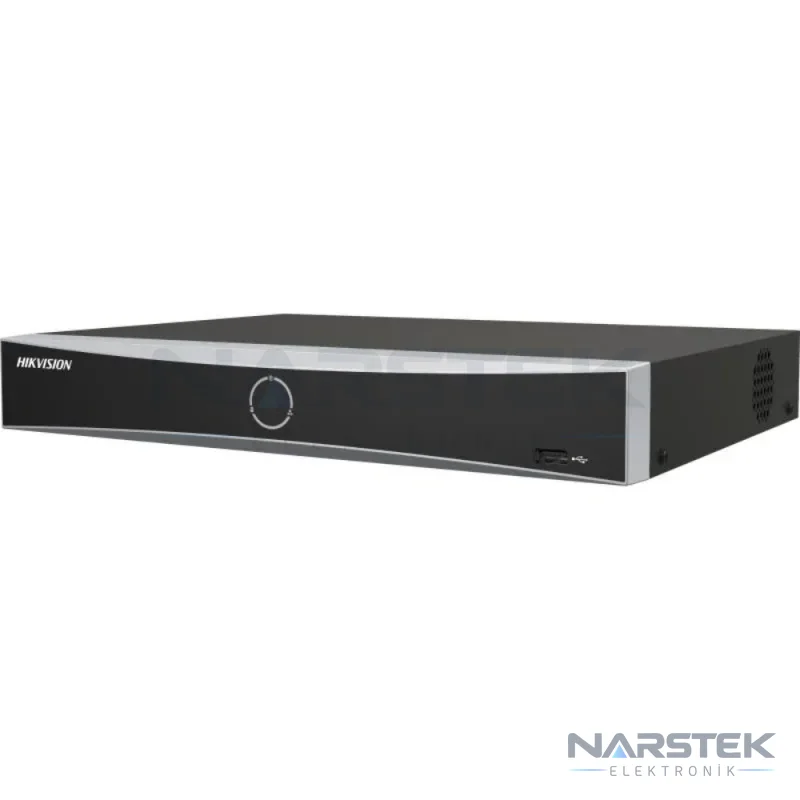
When choosing a Hikvision camera system, first clarify the area to be monitored, the existing cabling infrastructure and your expectations for night-time imaging. If you need people and vehicles to be distinguished, consider AcuSense models; if you want colour imaging in low light, consider models with ColorVu.
The camera type, recorder and disk capacity should be selected together. Components that are not compatible with each other, or a recording duration that does not meet your requirements, may require changes after installation.
What does AcuSense offer for distinguishing between people and vehicles?
On supported cameras and recorders, AcuSense helps detect people and vehicles. This classification lets you review motion notifications according to specified object types, rather than simply because something changed in the image. The aim is to make it easier to filter out irrelevant events when reviewing notifications and searching recordings.
For example, you may want to track people and vehicle movement separately around an entrance, a car park approach or a storage area. The camera's field of view, mounting height and the direction of movement in the scene can affect detection performance. This makes the on-site positioning just as important as the catalogue specifications.
Not all AcuSense products have the same features. Some camera models support people and vehicle detection, while certain NVRs also provide classification and smart search functions. The camera, recorder and software should be assessed together. For example, DS-2CD2746G2H-IPTRZS is a 4 MP AcuSense PTRZ IP dome camera; DS-7604NXI-K1 is an AcuSense NVR that supports up to four IP cameras.
Differences in use between ColorVu and Smart Hybrid Light
ColorVu is a technology designed to capture colour images in low-light conditions. It may be a suitable choice when colour needs to be distinguishable in recordings, for example when details such as clothing or vehicle colour matter. Results depend on ambient light, camera positioning and the product's lighting options.
Models with Smart Hybrid Light may offer IR and white-light options. Depending on the product, these options can be used for night-time monitoring. Before installation, consider whether white light in the scene could disturb people nearby or reflect into the camera's field of view.
For example, DS-2CD1047G2H-LIUF is a 4 MP ColorVu bullet IP camera with an F1.0 lens; the product summary specifies night vision up to 30 metres using Smart Hybrid Light. DS-2CD1027G3-LIUF, meanwhile, is listed with ColorVu 3.0, HikAI-ISP, and IR and white-light options. Similar naming does not mean that every model has the same technical specifications; check the model information on the product page.
IP camera or Turbo HD analogue?
| System | Cabling and recording | What to consider when choosing |
|---|---|---|
| IP camera | It connects to the network via Ethernet and is recorded by an NVR. PoE-enabled models can be powered over a single cable when connected using IEEE 802.3af/at-compliant equipment. | PoE support, NVR channel count, incoming bandwidth and network infrastructure. |
| Turbo HD analogue | HD-TVI and other HD analogue cameras operate over coaxial cable and are recorded by a DVR/XVR. | The condition of the existing cabling, compatibility between the camera and recorder formats, and audio requirements. |
If existing coaxial cabling is in usable condition, an HD analogue option may be suitable for making use of the infrastructure. If new cabling is being installed, IP systems can use PoE to connect and power a camera over a single cable. We also compare the technologies and their use cases in our IP camera or analogue HD camera article.
As an example of an analogue product, the DS-2CE10KF0T-LPFS 3K HD-TVI camera is specified as supporting TVI, AHD, CVI and CVBS formats and having a built-in microphone. Before installation, check that the camera signal is compatible with the existing DVR/XVR and confirm how audio will be transmitted to the recorder. Browse the IP Cameras and HD Analogue Cameras categories to see the available products.
When choosing an NVR, check the channel count, PoE and bandwidth
An NVR records footage from IP cameras. The first selection criterion is the channel count: consider both the number of cameras to be connected now and any cameras you may add in the future. The recorder’s supported resolution and incoming bandwidth must also accommodate the cameras’ combined video streams.
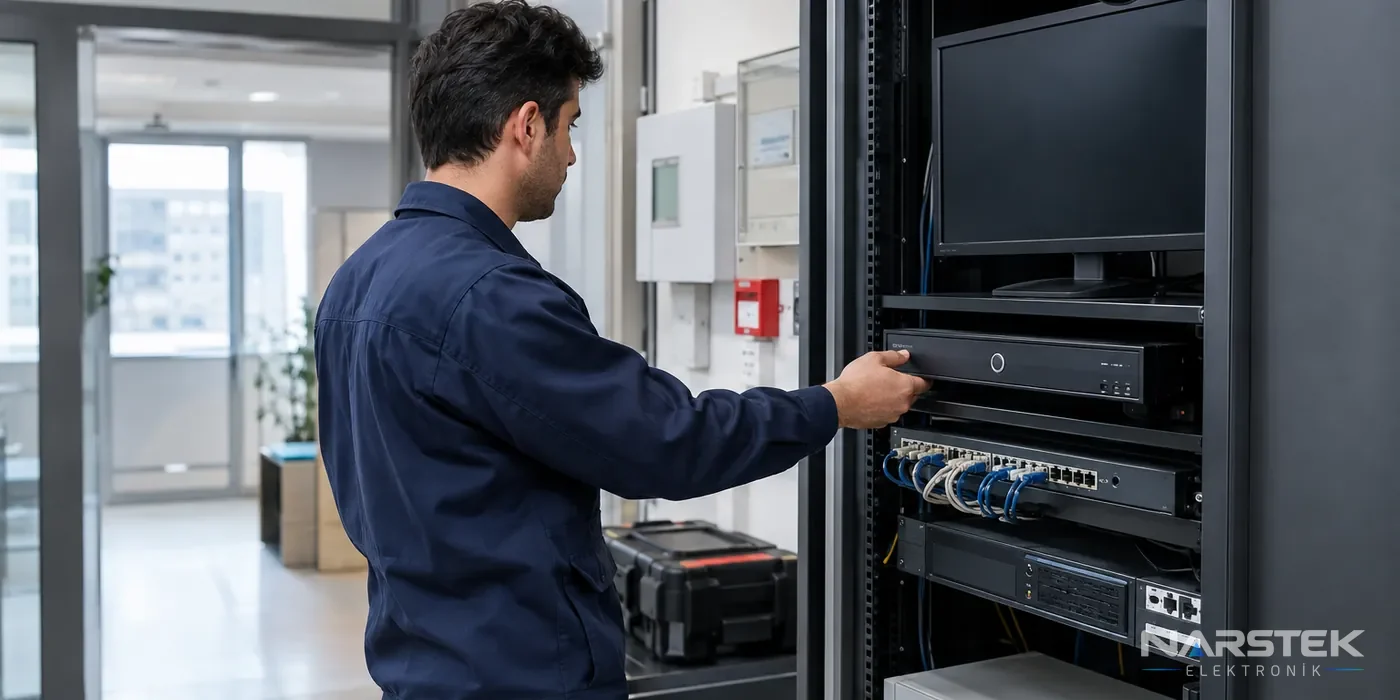
A PoE NVR allows compatible cameras to be connected directly to its PoE ports. For example, DS-7604NXI-K1/4P has four built-in PoE ports for up to four cameras. If you choose an NVR without PoE, separate infrastructure is required for camera power and network connectivity. Compare the available options in the Recorders (NVR / DVR) category when selecting a model.
For a four-camera system, DS-7604NXI-K1 is an example offering recording up to 12 MP and incoming bandwidth of 40 Mbps. For installations requiring more channels or different search features, DS-7608NXI-K1 supports up to eight IP cameras. If two HDD bays and AcuSeek/AcuSearch features are required, you can review the product information for DS-7608NXI-I2/VPRO.
How to plan disk capacity and recording duration
To estimate recording duration, consider disk capacity, the number of cameras, bit rate and recording hours per day together. A simple approach is: recording duration = disk capacity / (number of cameras × bit rate × recording hours). Actual results vary depending on the compression used, movement in the scene and recording settings.
At a bit rate of 4 Mbps, a camera recording continuously generates approximately 43 GB of data per day: 4 Mbit/s × 86.400 seconds ÷ 8 ≈ 43.200 MB. This amount increases with the number of cameras. H.265/H.265+ compression can significantly reduce disk requirements compared with H.264; motion-triggered recording can also reduce data volume compared with continuous recording.
Recorders should use surveillance-grade disks suitable for 7/24 operation. When selecting disk capacity, specify not only the total storage but also the target retention period and recording settings. For a detailed calculation method, see our camera recording duration and HDD calculation article.
Remote viewing with Hik-Connect
Hik-Connect can be used to view compatible Hikvision systems remotely. This requires the recorder or camera to be connected to the network, with remote access settings and a user account configured. Changes to internet access or device settings may affect remote viewing.
During installation, determine who will have access, which cameras they will be able to view, and which network the system will use. Viewing footage on a phone does not replace correct installation of the local recorder; recording duration and disk capacity must be planned separately.
Request a Site Survey and Quote from Narstek
Based in Istanbul, Narstek Elektronik provides site surveys, installation, service and maintenance for CCTV camera systems; projects and product supply are available across Türkiye. For an assessment of existing systems in buildings with cabling infrastructure, or to plan camera placement and recording capacity together for a new installation, see our CCTV camera installation and maintenance service.
When requesting a quote, provide the district and address of the building or business, the areas to be monitored, the approximate number of cameras, your expectations for colour images at night, and details of the existing cabling and recorder. Also include the required recording period and any remote viewing requirements. This information allows the IP or HD analogue infrastructure, suitable models and disk capacity to be assessed more accurately.
For a site survey and quote, complete the form, call 0212 424 07 24 or message us on WhatsApp at 0540 001 07 24.
Frequently asked questions
What is an AcuSense camera used for?
On supported models, it helps detect people and vehicles. This classification can make it easier to review event notifications and search recordings for relevant movement.
Does ColorVu provide colour images in completely dark conditions at night?
ColorVu is designed to provide colour imaging in low-light conditions; results depend on ambient light and the model's specifications. Products with Smart Hybrid Light may offer IR and white-light options.
Can I power any IP camera with a PoE-enabled NVR using a single cable?
Check that the camera and recorder are PoE-compatible. According to the verified information, PoE power depends on compliance with IEEE 802.3af/at; the number of ports must also be sufficient for the number of cameras to be connected.
How can I increase the recording time of a Hikvision camera system?
H.265/H.265+ compression can reduce disk space requirements compared with H.264; motion-triggered recording can also reduce data usage compared with continuous recording. Plan the settings around the required recording time and image quality.
Share the panel brand, number of devices and address, and we’ll get back to you about a site survey and quote.