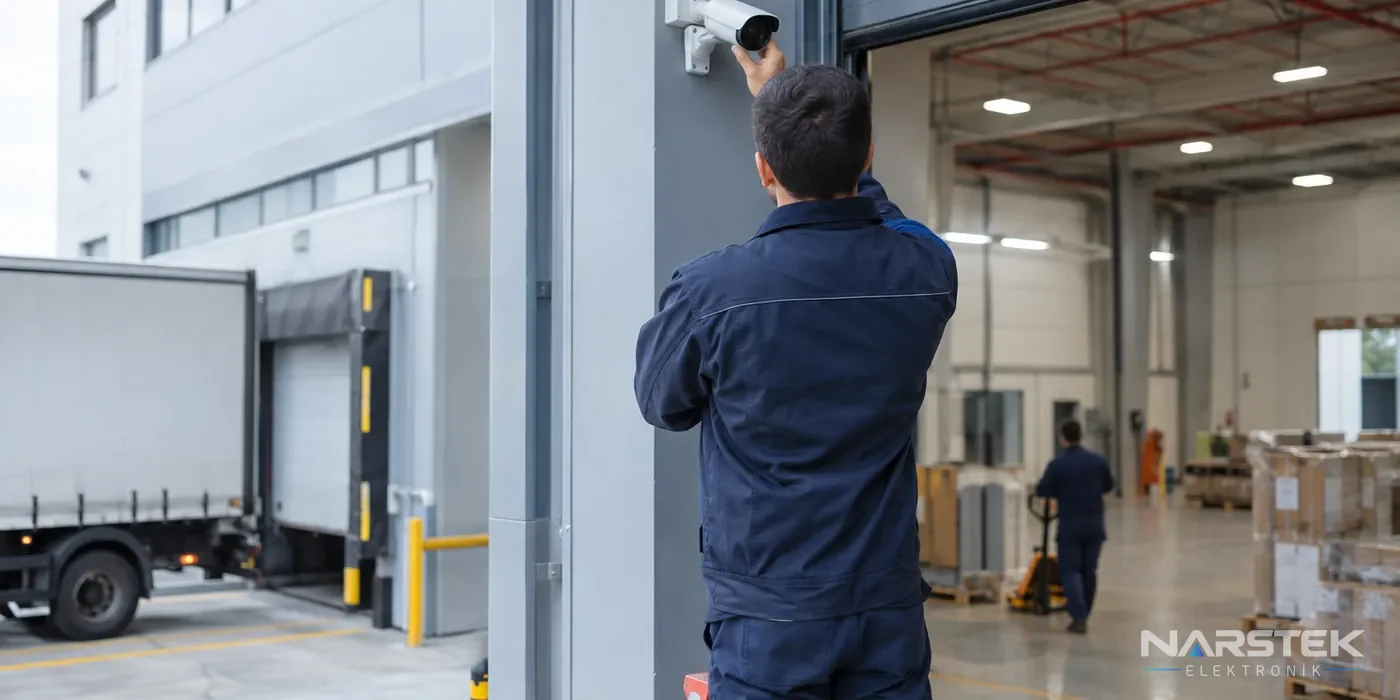
When choosing a CCTV system for a workplace, first identify which areas need to be monitored and for what purpose. The perimeter, entrances and exits, loading area and production line may each have different imaging requirements; the number of cameras and recording setup should be planned accordingly.
There is no one-size-fits-all camera for factories and businesses. Field of view, lighting conditions, networking and cabling options, recording duration, and who will have access to the footage should all be considered together.
Plan Camera Placement by Area
First, mark the areas to be monitored on the current site plan. For perimeter security, position cameras to cover entrances and approach routes. During the site survey, also check for trees, columns, shelving or parked vehicles that could obstruct the view.
At entrances and exits, the aim is to monitor people and vehicles passing through. Changes in lighting at the entrance, glass surfaces and night-time lighting can affect the image. In loading areas, check that both vehicle bays and goods-in and dispatch points are within the field of view.
For production lines, consider the camera’s field of view alongside machine movement and safe working arrangements. Monitoring must not be designed in a way that infringes on staff privacy; cameras must not be installed in private areas such as toilets and changing rooms. Define the areas to be monitored and access permissions in advance to prevent cameras from being used for purposes beyond their intended purpose.
Should You Choose a Fixed Camera or PTZ?
Fixed cameras are used to monitor a specific area continuously. For areas with a defined field of view, such as doors, corridors, perimeter lines and loading points, the camera angle is set during installation. Multiple fixed cameras can monitor different directions at the same time.
PTZ cameras can pan and tilt, and zoom in. They may be suitable for a wide area where an operator needs to direct the camera towards a particular point. However, when a PTZ camera is turned in another direction, the area previously in view is no longer monitored. Therefore, rather than using PTZ cameras as a replacement for fixed cameras, assess how they can work alongside them according to the monitoring scenario. For product options, see the PTZ and Speed Dome Cameras category.
If licence plate recognition is required, treat it as a separate project requirement. Not every camera is suitable for reading number plates. The direction and speed of vehicles, camera angle, lighting and image detail should be assessed using the suitability information in the manufacturer’s documentation. You should also define the purpose of plate recording and who will have access to it.
Night Vision and Smart Detection
The choice of night vision depends on the lighting already available in the area. IR illumination provides an image in darkness; some models offer colour imaging in low light or hybrid illumination that switches between IR and white light. The camera’s stated range alone is not enough to make a decision; site lighting and the distance to be monitored should also be checked.
AI-powered human and vehicle classification can help filter motion alerts for relevant targets. This feature does not mean the system will never generate false alerts. Set detection zones according to activity levels around doors, roads and production areas, then test the system under actual operating conditions after installation.
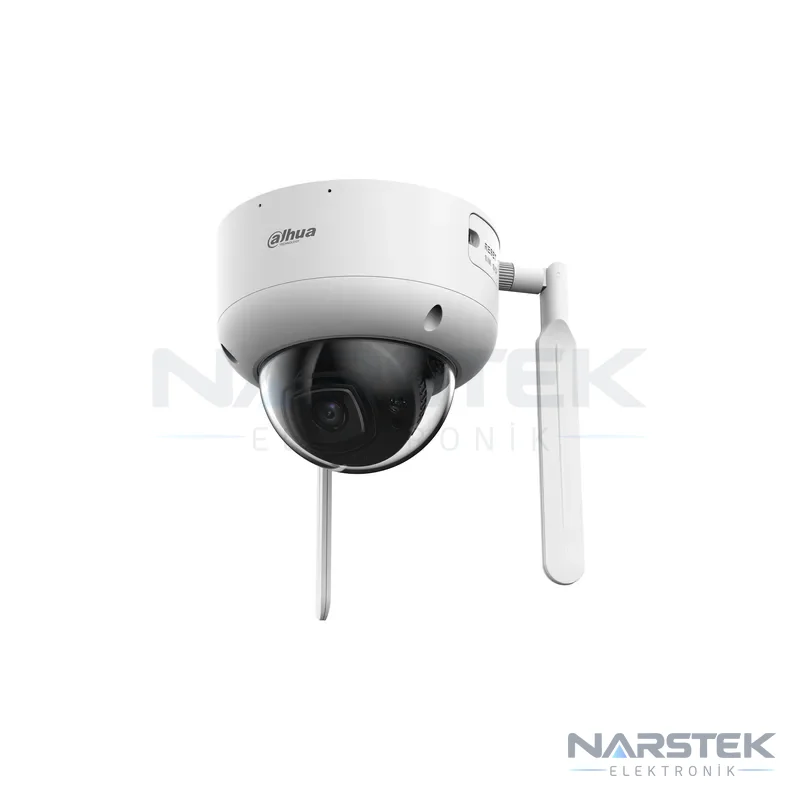
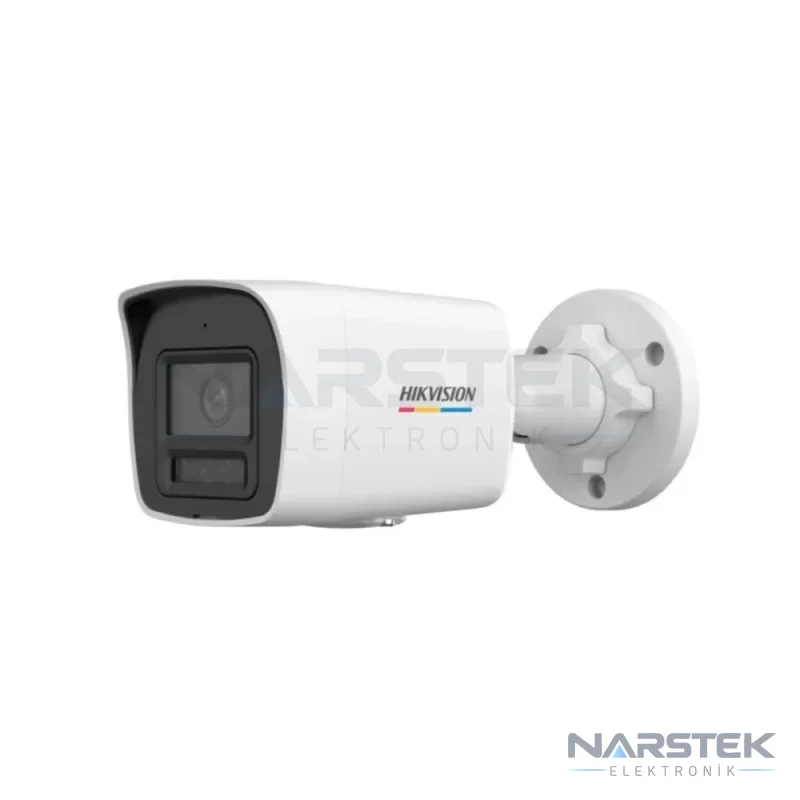
As a catalogue example, Dahua IPC-HDBW3441DR1-AST-4G offers 4G connectivity and IR illumination up to 50 metres for locations where access to network cabling is limited; its smart detection features support human and vehicle classification. Hikvision DS-2CD1027G3-LIUF can be considered for night-time monitoring, with colour imaging in low light and IR/white-light options.
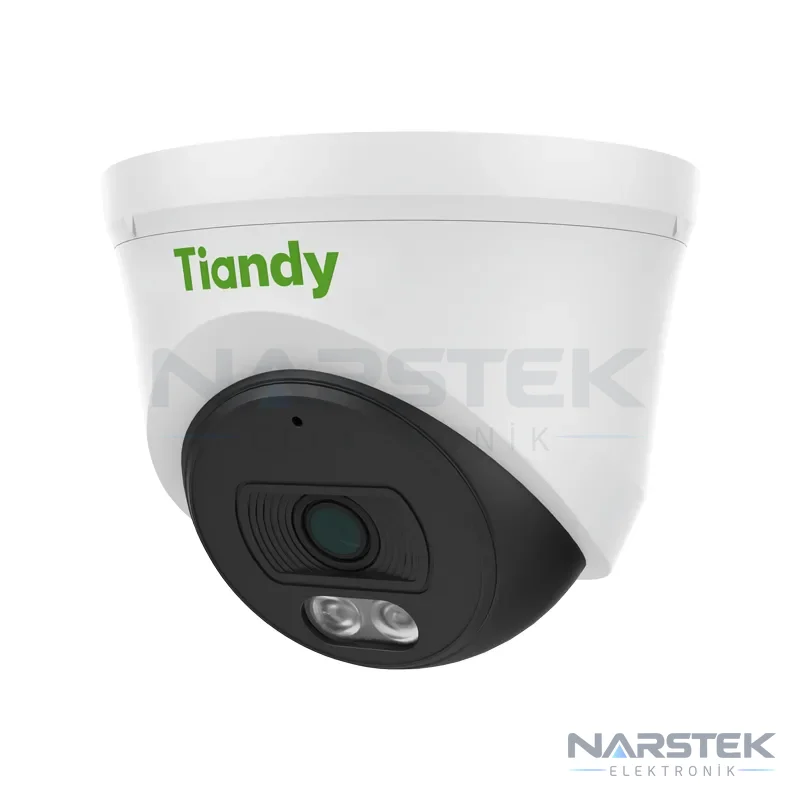
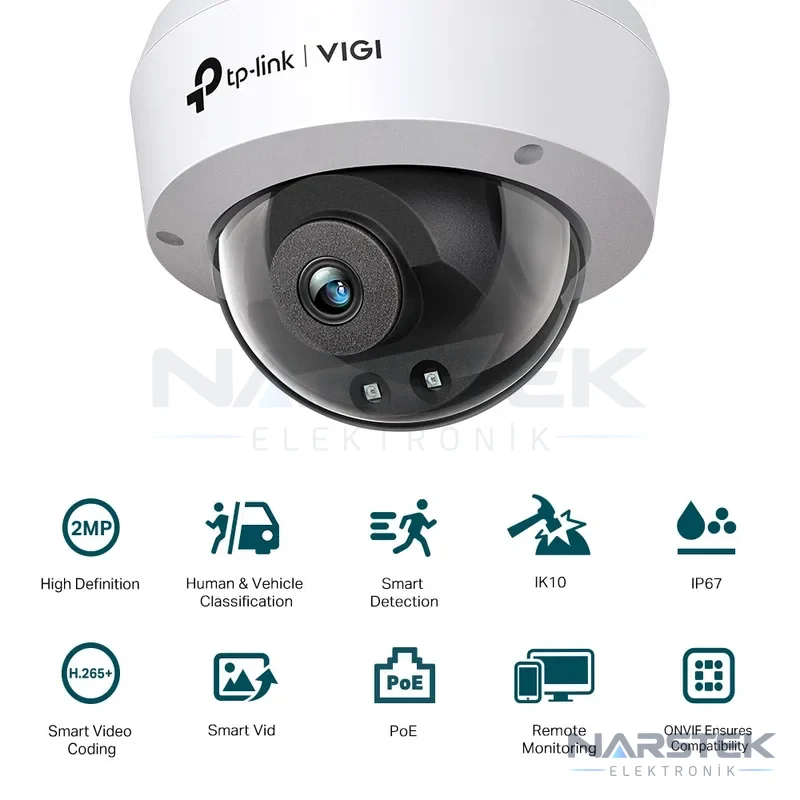
TP-Link VIGI C220I offers human and vehicle classification and IR range up to 30 metres. As an example of a motorised-lens camera, TTEC IPBM-2380L-WMASZ/S is listed with a lens suited to different monitoring areas and an IR range of 80 metres. Tiandy TC-C320N is an example of a turret IP camera with PoE support, a built-in microphone and IR night vision up to 30 metres.
Camera Infrastructure and Recording Duration
IP cameras can receive both data and power over a single cable when used with suitable PoE equipment compliant with IEEE 802.3af/at, and connect to an NVR. In analogue HD systems, HDCVI, TVI or AHD cameras use coaxial cable; footage is recorded to a DVR/XVR. If you plan to use existing cabling and recording equipment, check compatibility with the camera type in advance. For a detailed comparison, see our IP Camera or Analogue HD Camera article.
To calculate the recording duration, consider disk capacity, number of cameras, bit rate and daily recording hours together. The basic calculation is: recording duration = disk capacity / (number of cameras × bit rate × recording hours). A camera recording continuously at 4 Mbps generates approximately 43 GB of data per day. This is an estimate; motion-triggered recording and smart codecs can reduce storage consumption.
H.265 or H.265+ compression can significantly reduce storage requirements compared with H.264. Actual recording time varies depending on camera settings and movement in the scene. Use surveillance-rated drives suitable for 7/24 operation in recorders, and compare the selected capacity with the expected retention period. For a detailed calculation, refer to the camera recording time and HDD capacity guide.
Central Monitoring and Access Arrangements
If you have multiple buildings or separate work areas, bringing the cameras together on a central monitoring screen can make operations easier. Arrange the screen so that the areas can be monitored by the person on duty. Establish a simple workflow specifying which cameras should be viewed together during an incident and who will review the recordings.
Restrict access to the recorder and live footage to authorised personnel. Set up user accounts according to job responsibilities, and update access when someone leaves or changes roles. Exporting and sharing footage should also be handled by a designated person.
GDPR and Informing Employees
Camera footage is personal data, and the obligations under the Personal Data Protection Law No. 6698 must be taken into account. Display clear notices that camera monitoring is in operation, and clearly define its purpose and scope, as well as access arrangements for recordings. Informing employees about the use of cameras helps make the practice clear and predictable.
Keep recordings only for the stated purpose, determine the retention period in advance according to the business’s needs, and restrict access to authorised personnel. Rather than recording every area continuously or retaining footage for longer than necessary, define the need and retention arrangements together. For corporate decisions about the implementation, it is advisable to seek advice from a qualified legal or data protection consultant.
Request a Site Survey and Quote from Narstek
Based in Istanbul, Narstek Elektronik provides site survey, installation and maintenance services for CCTV camera systems; projects and products can be supplied across Türkiye. To assess your existing system or plan a new installation, find out more about the CCTV Camera Installation and Maintenance service or use the site survey and quote form.
When requesting a quote, please provide the province and district where the site is located, a building or site plan, details of the areas to be monitored, information about existing cameras and recorders, the required recording period and whether night-time monitoring is needed. Please also mention any requirements for licence plate recognition, PTZ or central monitoring. To speak with us, call 0212 424 07 24 or contact us on WhatsApp at 0540 001 07 24.
Frequently asked questions
How many cameras are needed for a workplace CCTV system?
The number is determined by the areas to be monitored and the field of view each camera needs to cover. The perimeter, entrances and exits, loading points and production line should be assessed separately; obstacles such as columns and shelving that could block the view should also be checked during the site survey.
What is the main difference between an IP camera and an analogue HD camera?
IP cameras connect to an NVR over a network and, with PoE support, can receive power over a single cable. HDCVI, TVI and AHD analogue HD cameras use coaxial cable and are recorded by a DVR/XVR.
How long should CCTV footage be retained?
The retention period should be decided in line with the defined purpose and the business’s needs; footage should not be kept for longer than necessary. When calculating storage, take into account the number of cameras, bit rate, recording hours and compression settings.
Can every security camera read number plates?
No. The suitability of the camera and installation for this purpose must be assessed separately. The direction and speed of traffic, lighting and image detail should be checked against the manufacturer’s documentation and site conditions.
Share the panel brand, number of devices and address, and we’ll get back to you about a site survey and quote.