When choosing cameras for small and medium-sized businesses, consider the lighting, field of view and recording requirements of the area being monitored. When deciding between Tiandy camera models and TP-Link VIGI products, look beyond resolution to the recorder and cabling plan as well.
IP cameras can receive both data and power over a single cable via PoE on a compatible network, and record to an NVR. For correct placement, first identify the areas to monitor, such as entrances, tills, corridors, loading areas and perimeters; then select the camera type and recording capacity.
What to Consider When Choosing Tiandy and TP-Link VIGI
The first decision is whether the camera will be used indoors or outdoors. Dome models may be suitable for areas such as ceilings and corridors, while bullet models are often used to monitor building perimeters or entrances. For outdoor installations, assess the product’s stated protection rating alongside the mounting location.
Resolution affects the amount of detail in an image, but it is not enough on its own without a suitable lens and correct positioning. For example, monitoring a wide warehouse corridor with a single camera can make it difficult to see details at a door or goods reception point. These areas may require separate views or a camera positioned closer to the target.
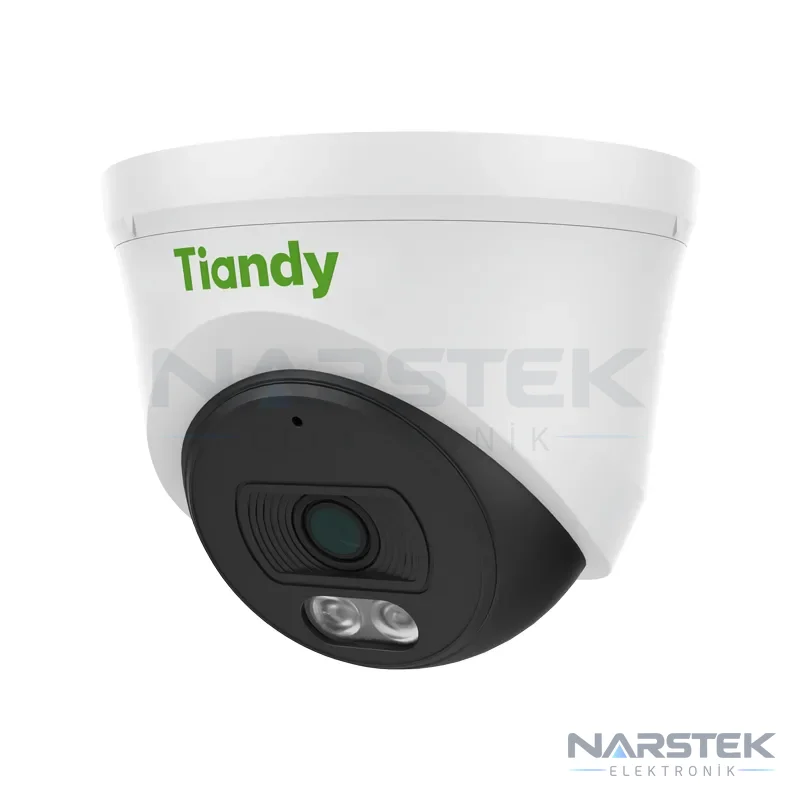
The camera’s night imaging method is important in low-light areas. The Tiandy TC-C32MS model summary states that it is designed to provide colour images in low light and uses a 2,7–13,5 mm motorised lens. A special term such as “Super Starlight” should not be assumed to apply to every model; check the manufacturer’s documentation for the exact model code before selecting a camera.
The TP-Link VIGI range includes models with human and vehicle classification. These functions can help distinguish events; however, notification settings and recorder compatibility should be checked against the components of the planned system. When comparing Tiandy products and TP-Link VIGI products, consider the model code and intended application together.
PoE Cameras, NVRs and Cloud Management
PoE IP cameras can be powered over a single cable using compatible equipment that supports IEEE 802.3af/at. The camera footage is sent to an NVR. The position of each camera, cable route, NVR connection and PoE capacity of the network equipment should all be planned together. Even if the camera supports PoE, check the connection specifications of the NVR or switch being used.
When planning NVR use and network management for TP-Link VIGI systems, check the product documentation to confirm that the selected devices are compatible and to verify the remote access method. Cloud management or remote viewing may not be available in the same way for every camera and recorder combination. Therefore, when requesting a quote, specify the NVR model, mobile access requirements and the business’s network conditions.
In analogue HD systems, HDCVI, TVI or AHD cameras use coaxial cable, and footage is recorded on a DVR/XVR. IP camera installations and extensions to existing analogue systems use different connection architectures. If you already have a system, sharing an inventory of the cabling and recorder during the site survey can help avoid unnecessary equipment replacement. For a detailed comparison, see the differences between IP and analogue cameras.
Recording Capacity and Hard Drive Calculation
Recording duration depends on disk capacity, the number of cameras, the bit rate per camera and the number of recording hours per day. H.265 or H.265+ compression can significantly reduce disk requirements compared with H.264. Actual results vary depending on scene movement, image settings and recording format.
For example, a single camera recording continuously at 4 Mbps produces approximately 43 GB of data per day: 4 Mbit/s × 86.400 seconds ÷ 8 ≈ 43.200 MB. On the same assumptions, four cameras produce approximately 172 GB per day in total. Motion-triggered recording and smart codecs can reduce this amount, so the usage pattern should also be specified when calculating capacity.
Surveillance-grade hard drives designed for 7/24 operation should be used in security recorders. When choosing a drive, consider not only its capacity but also how many cameras will be recording, their settings and how many days of footage need to be retained. For a more detailed calculation, see our article on camera recording duration and HDD calculations.
Example layouts for shops, offices and warehouses
Rather than estimating the number of cameras by default, prepare the layout by marking the areas to be monitored. The examples below are starting points; the actual field of view will vary depending on the lens, mounting height and any obstructions on site.
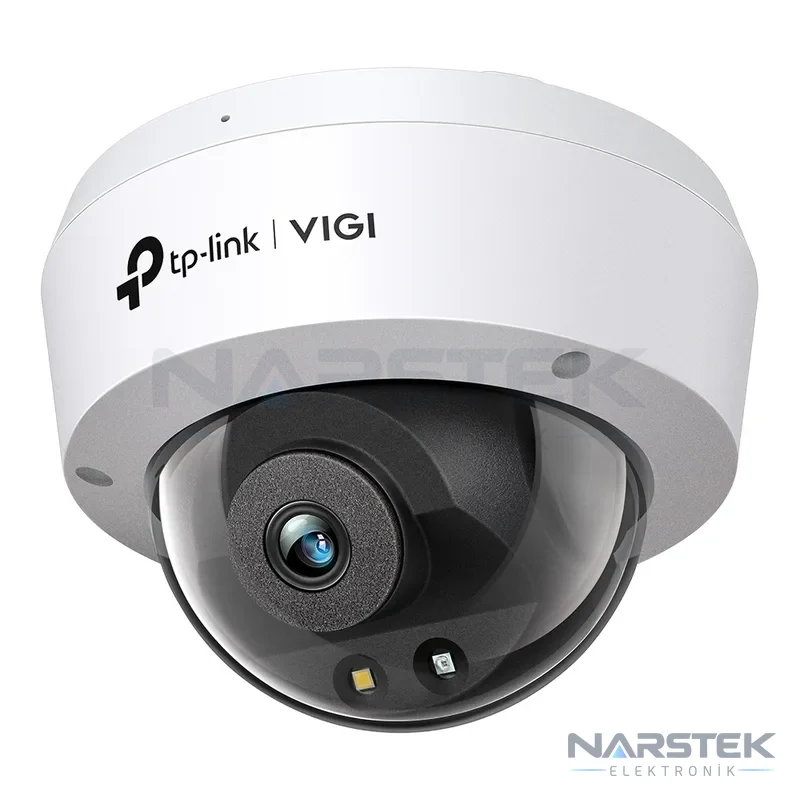
- Shop: The entrance, checkout and aisles can be treated as separate monitoring requirements. For indoor use, TP-Link VIGI C240 is listed in the catalogue summary as a dome model offering 4 MP resolution and colour images in low-light conditions. For an external entrance or the building perimeter, select a suitable model after assessing the lighting and mounting conditions.
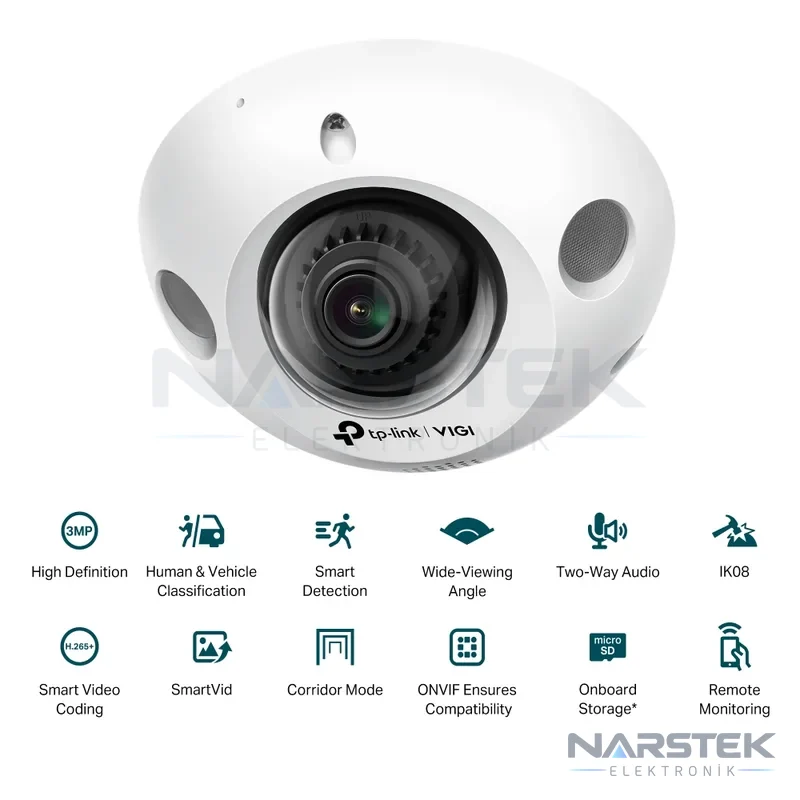
- Office: The main entrance, shared corridors and equipment rooms should be assessed separately. For small areas, TP-Link VIGI C230I Mini is a 3 MP mini-dome option designed for corridors and small business premises. In areas where privacy is required, the camera direction and field-of-view limits should also be planned.
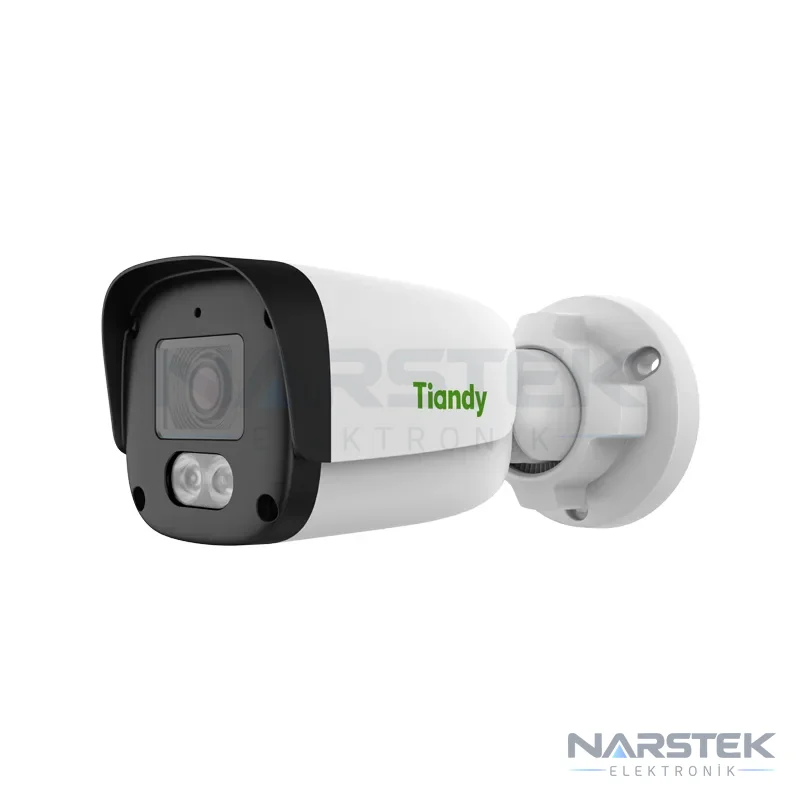
- Warehouse: The goods-in entrance, dispatch area, aisles and external perimeter have different imaging requirements. TP-Link VIGI C330 is a 3 MP bullet model specified for 24 hours of full-colour imaging outdoors. The Tiandy TC-C321N 1GNA-28 is listed with PoE, IP67 protection and IR night vision up to 30 metres.
Another indoor option is Tiandy TC-C320N, specified with 2 MP imaging, IR night vision up to 30 metres, a built-in microphone and PoE support. For areas requiring a variable field of view in low light, Tiandy TC-C32MS may be considered. Choose the model based on the site lighting and the level of detail required.
Pre-installation checklist
During the site survey, discuss the business’s operating hours and the areas to be monitored. The recorder location, cable routes, network connection and access to power should also be included in the plan. When commissioning the system, check that the images cover the intended areas and that recordings are reaching the NVR.
- List the entrances, corridors, checkout areas and perimeter points to be monitored.
- Specify indoor and outdoor cameras, night-time lighting conditions and the level of image detail required.
- Provide the required retention period, number of cameras and preference for continuous or motion-triggered recording.
- Note the model details of any existing cabling, cameras, NVR/DVR and network equipment.
- If remote viewing or cloud management is required, confirm that the devices to be used support these needs.
If the camera system is being assessed as part of the same project as fire detection or other building technologies, a site survey will help clarify the work plan. You can discuss your survey, project, installation and service requirements under Narstek’s CCTV camera installation and maintenance service. You can also browse the IP cameras page for product options.
Request a Site Survey and Quote from Narstek
Narstek Elektronik is based in Istanbul and provides site surveys, installation and maintenance for CCTV camera systems. You can also contact us about projects and product supply across Türkiye. When requesting a quote, provide the province and district, the application, the expected number of cameras, the areas to be monitored and the required retention period.
If you have an existing system, include the camera and recorder models, the type of cabling available and any known faults. Also specify requirements such as colour imaging in low light, PoE, remote access or motion-triggered recording. For a site survey and quote, you can fill in the form, call 0212 424 07 24 or message us on WhatsApp at 0540 001 07 24.
Frequently asked questions
Does a PoE IP camera need a separate power cable?
When compatible PoE equipment is used, the camera can receive power and data over a single cable using IEEE 802.3af/at. Before installation, confirm that the NVR or network switch is compatible with the camera and the connection requirements.
Does a Tiandy Starlight camera provide colour images in complete darkness?
The TC-C32MS product summary states that it is designed to provide colour images in low light; this does not guarantee the same result in all lighting conditions. Ambient light and the specifications in the datasheet for the exact model should be assessed during the site survey.
How much storage does one camera use per day?
For continuous recording at a bit rate of 4 Mbps, an estimate of approximately 43 GB/day can be used. Motion-activated recording, smart codecs and the amount of movement in the scene can affect actual storage consumption.
Can TP-Link VIGI cameras be managed via the cloud?
Remote access and cloud management depend on the camera and recorder models used, as well as the management methods they support. Before installation, check the product documentation and network requirements for the devices to be used together.
Share the panel brand, number of devices and address, and we’ll get back to you about a site survey and quote.