When choosing a TTEC security camera, first determine the area to be monitored, the connection type and the recording requirements. For an IP camera, use an NVR; for an HD analogue camera, choose a DVR or XVR. Plan camera and recorder compatibility together with the cabling required to ensure the system works correctly.
TTEC is a Turkish brand. Its catalogue includes Wi-Fi and wired IP camera options, as well as NVR recorders with different channel counts. When choosing a system for a home or small business, consider not only resolution but also camera placement, night-time imaging and how long recordings need to be retained.
IP Camera vs Analogue Camera Systems
IP cameras transmit images over a network and connect to an NVR recorder. PoE-enabled models can receive both data and power through a PoE connection compliant with the IEEE 802.3af/at standard. This may remove the need for a separate power cable for each camera; however, cabling and device compatibility should be checked before installation.
In analogue HD systems, HDCVI, TVI or AHD cameras operate over coaxial cable, and footage is recorded on a DVR or XVR. This option may be considered in a building that already has coaxial cabling. For a new installation, an IP system offers a different cabling approach thanks to its network connection and PoE capability. The choice should be based on the building’s existing infrastructure and the camera features required.
For a more detailed comparison of the advantages and connection differences between these two approaches, see our article on IP Cameras vs Analogue HD Cameras. The models shown here in the TTEC catalogue are IP cameras and NVRs; if you are choosing a specific analogue model, confirm its compatibility with the recorder separately.
What to Look for When Choosing an NVR or DVR
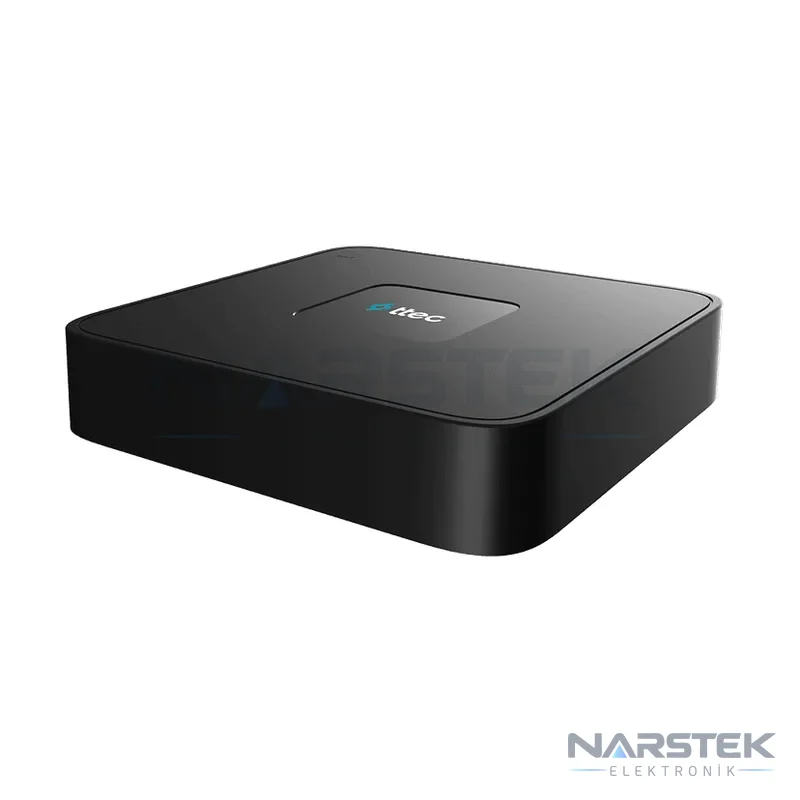
An NVR is used to record and manage footage from IP cameras. A DVR/XVR is the recorder for analogue HD camera systems. The recorder’s channel count should be suitable for the number of cameras to be connected. If you plan to add cameras later, plan the system capacity in advance.
With PoE-port NVR models, compatible IP cameras can be connected directly to the recorder and powered through it. For this type of installation, assess cable distances and routes on site for each camera. For Wi-Fi cameras, check wireless coverage and the model’s recording method; do not assume, based on the listed product features, that every Wi-Fi camera will work with every NVR.
When choosing a recorder, compare its channel count, supported resolution, disk capacity, compression format and remote access features. For example, the NVR-3104HP/4P in the catalogue has four channels and four PoE ports. For installations requiring more channels, the NVR-3108HP/8P is an eight-channel option with eight PoE ports. You can also browse TTEC’s other NVR and DVR recorders by channel count and features.
Example TTEC Models in the Catalogue
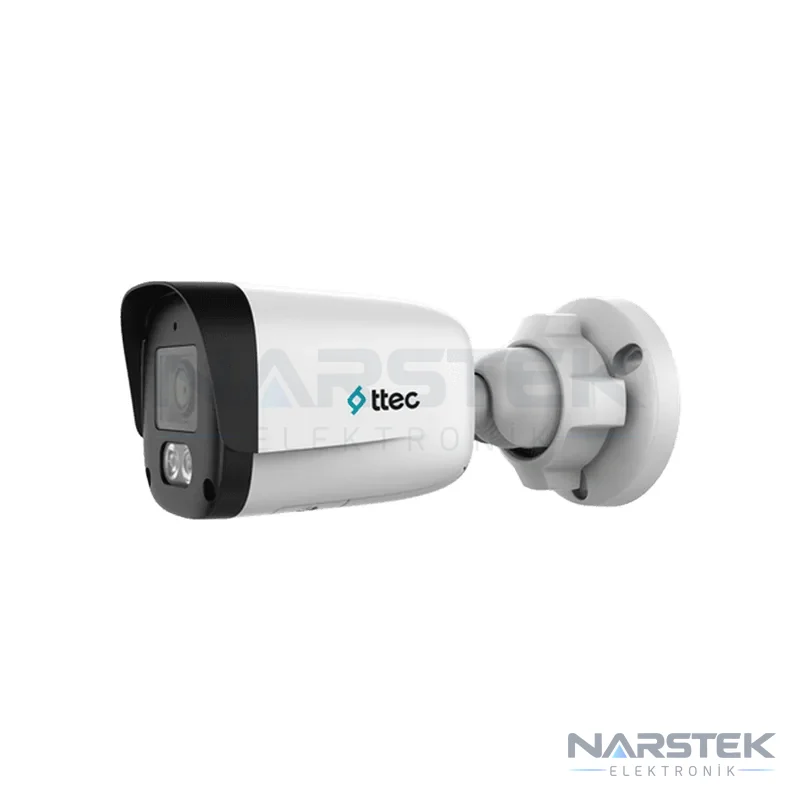
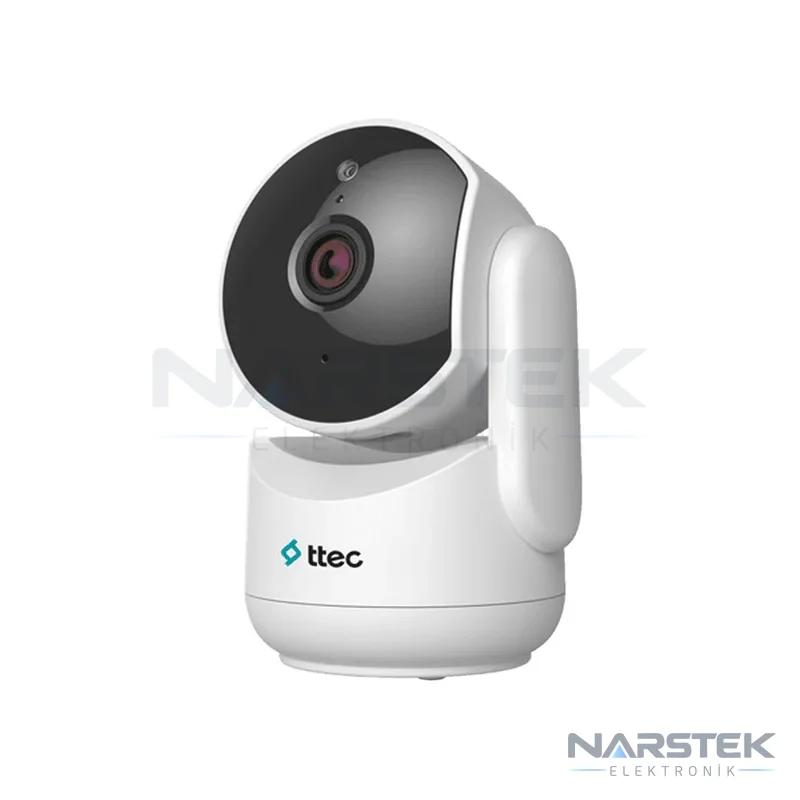
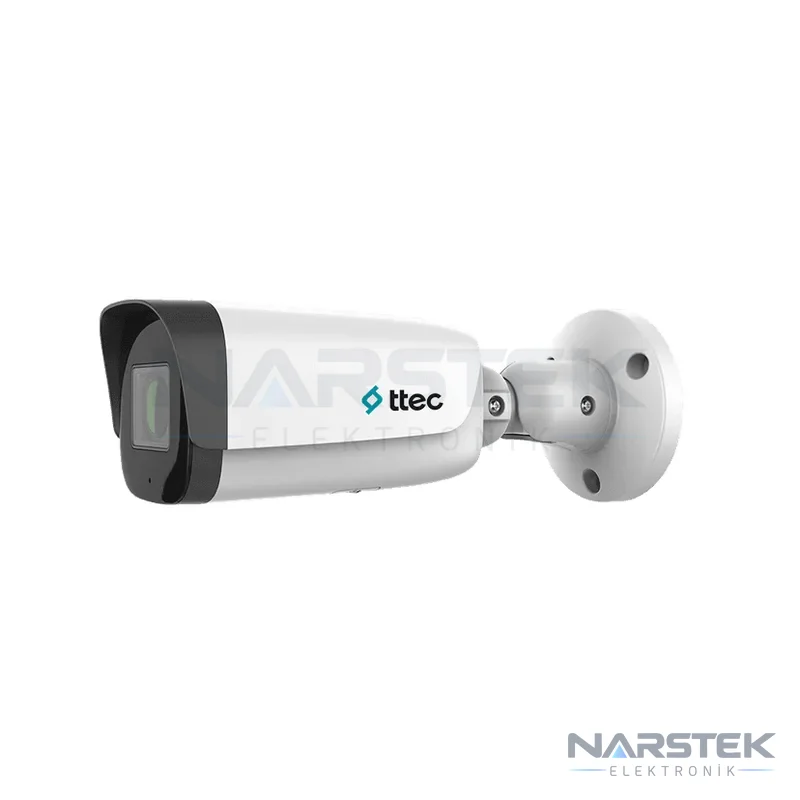
Choose the camera type to suit the area being monitored. A bullet camera may be suitable for a fixed entrance or corridor, while a PTZ camera can be considered for monitoring different directions across a larger area. Wi-Fi models are also an option where wireless use is preferred indoors. Match the features stated in the product descriptions to the needs of the installation location.
- IPBP-2315M-M/Color is an 2 MP fixed-lens IP bullet camera. Its listed features include PoE, a built-in microphone and IP67 protection. White-light support enables colour imaging.
- IPBM-2380L-WMASZ/S is listed with a motorised 2,7–13,5 mm lens, a built-in microphone and an IR range of 80 metres.
- The B4 4 MP Outdoor Bullet Wi-Fi Camera offers Wi-Fi connectivity, night vision, a microphone and speaker, IP67 protection and an IR range of 50 metres.
- The D2 2 MP Indoor PT Wi-Fi Camera is listed for indoor use, with horizontal and vertical movement, human detection, night vision and a privacy mode.
- The PT3 3 MP Outdoor PT Wi-Fi Camera offers outdoor pan-and-tilt monitoring, human and motion detection, and two-way audio.
- IPSDM-5330L-WAS/S is a PTZ model for wide-area applications, with 5 MP resolution, 30x optical zoom and 200 metres of IR night vision.
Not all listed models are suitable for every location. For example, a motorised lens can help adjust the framing to suit the installation, while a PTZ camera’s movement is useful for specific monitoring scenarios. Browse the IP Cameras and PTZ and Speed Dome Cameras categories for other fixed and moving options.
How to Plan Recording Time and Disk Capacity
Recording time can be estimated by relating disk capacity to the number of cameras, the bitrate per camera and the daily recording hours. The basic calculation is: recording time = disk capacity / (number of cameras × bitrate × recording hours). Convert the units to the same measurement system when calculating. Actual retention time may vary depending on the recording settings and video content.
For example, a single camera recording continuously at 4 Mbps generates approximately 43 GB of data per day: 4 Mbit/s × 86.400 seconds ÷ 8 ≈ 43.200 MB. The required disk space increases with the number of cameras. Motion-triggered recording and smart codecs can reduce the amount of data compared with continuous recording, so calculate capacity based on the recording schedule you will use.
H.265 and H.265+ compression can significantly reduce disk requirements compared with H.264. The codec supported by the recorder must be compatible with the camera settings. Choose surveillance-grade drives rated for 7/24 operation. For a detailed calculation, refer to our article on camera recording time and HDD capacity.
Planning a Home or Small Business Installation
For a home installation, identify the areas to monitor, such as the entrance, garage, garden access or shared spaces. In small businesses, assess the camera angle and recording requirements separately for areas such as the till, goods-receiving area, entrance and stockroom. Night-time imaging, outdoor protection and audio features are relevant only where they meet the needs of the area in question.
Clarifying the following details before installation will make planning easier:
- The number and approximate locations of the areas to monitor, and whether they are indoors or outdoors.
- Whether you prefer wired IP, PoE, Wi-Fi or existing coaxial infrastructure.
- Live viewing and recording requirements, and the desired retention period.
- Brand and model of any existing camera, cable or recorder.
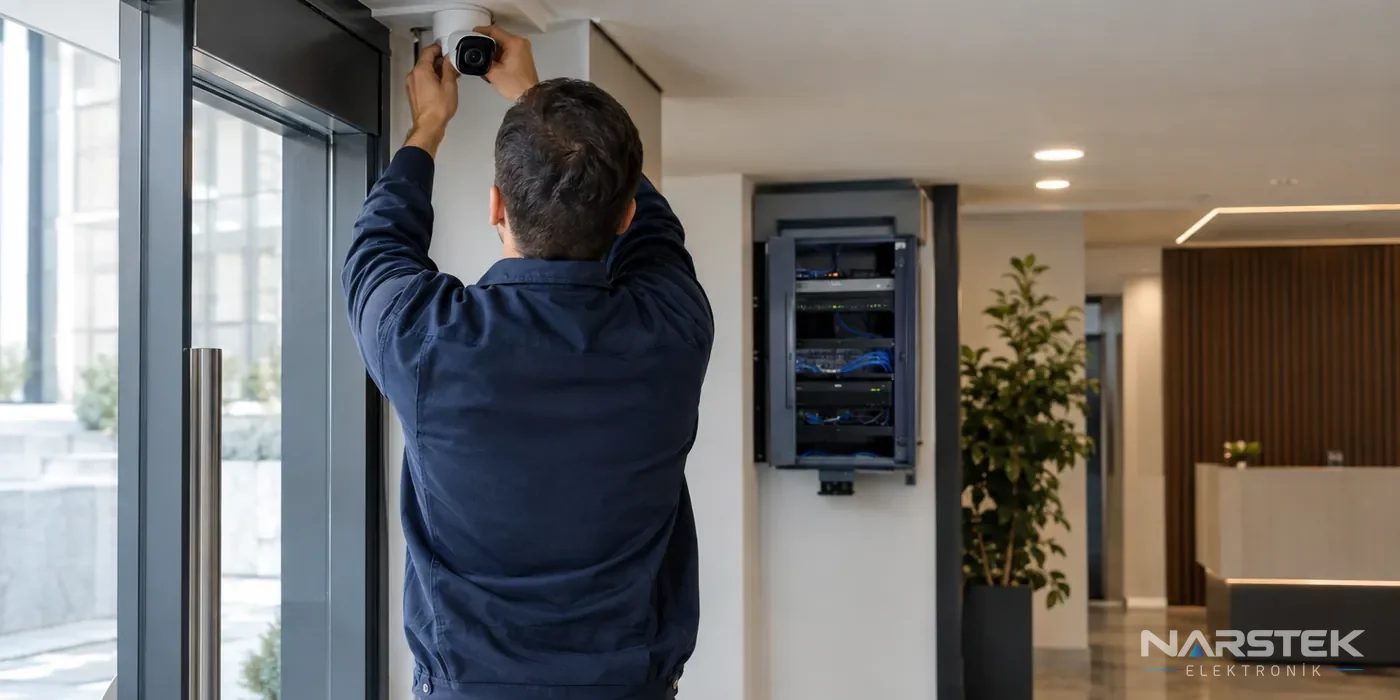
The camera’s viewing direction and mounting location are checked on site to reduce blind spots. For Wi-Fi models, connection conditions are assessed; for wired systems, the cable route and PoE compatibility are evaluated. Narstek’s CCTV camera installation and maintenance service is one option for a site survey and system planning.
Arrange a site survey and quote with Narstek
Narstek Elektronik Bina Teknoloji San. ve Tic. Ltd. Şti. is based in Istanbul and provides services in security and building technologies, including CCTV camera systems; it also supplies projects and products across Türkiye. You can use the site survey and quote form to discuss recorder selection, camera placement or an assessment of your existing system, or submit a technical service request.
For your quote request, please provide the province and district where the cameras will be installed, the number of indoor and outdoor locations, an approximate plan if available, the condition of existing cabling and equipment, your required recording period, and whether you need remote viewing. If you have a product list, please include the model names as well. You can contact Narstek by phone on 0212 424 07 24 or via WhatsApp on 0540 001 07 24.
Frequently asked questions
Does a TTEC IP camera require an NVR?
IP cameras are designed to record footage via an NVR. Check the product documentation to confirm compatibility between the model and the NVR, network connectivity and supported features.
Does a PoE camera need a separate power cable?
A PoE connection compliant with the IEEE 802.3af/at standard can provide both data and power to a compatible camera over a single cable. Check compatibility between the camera and the NVR or PoE source, and plan the cable route in advance.
How much storage does one camera use per day?
A camera recording continuously at 4 Mbps produces approximately 43 GB of data per day. Motion-triggered recording and smart codecs can reduce usage; actual figures vary depending on the settings and image content.
What type of hard drive should be used in a recorder?
Surveillance-grade hard drives designed for 7/24 operation should be used in security recorders. Choose the capacity based on the number of cameras, bit rate and daily recording duration.
Share the panel brand, number of devices and address, and we’ll get back to you about a site survey and quote.