When choosing a Uniview camera, first identify the existing infrastructure, the areas to be monitored and your recording requirements. IP systems connect cameras to an NVR, while analogue HD systems connect them to a DVR or XVR; selecting the right devices and cameras starts with this distinction.
The Easy and Prime names identify product families, but do not indicate the technical specifications on their own. When making a decision, check the model code, the specifications in the manufacturer’s documentation and compatibility with the recorder.
How to Compare the Easy and Prime Series
Series names help group products, but features such as resolution, night vision, audio, smart detection and illumination can vary between models. It is therefore not possible to determine which project a camera is suitable for based solely on the “Easy” or “Prime” label. Products within the same series may also differ in lens, protection rating and connection options.
Ask for the full model code at the quotation stage. For example, a fixed 2 MP camera and an 5 MP PTZ camera with optical zoom are not intended for the same applications. Use the model code to check resolution, lens, IR or white light, microphone, card support and PoE in the manufacturer’s documentation.
If remote viewing is also required for the project, separately verify compatibility between the camera or recorder and the EZView app. The functions the app provides with the selected model depend on the device and software documentation. Specifying requirements such as live viewing, recording playback or notifications individually before purchase helps avoid mismatched expectations later.
IP Cameras, Analogue Cameras and Recorders
IP cameras can carry both data and power over a single Ethernet cable if the supported PoE standard and device compatibility are suitable. The camera connects to an NVR over the network. See the IP Cameras page for available IP camera options.
Analogue HD cameras operate over coaxial cable and record to a DVR or XVR. Support for formats such as TVI, AHD, CVI and CVBS varies by camera and recorder. If you are upgrading an existing system, check the video formats supported by the device as well as the cable arrangement. Analogue options are listed in the Analogue HD Cameras category.
When selecting an NVR, consider the number of cameras, their resolutions, total bit rate, simultaneous viewing requirements and disk-bay capacity. When installing a new IP system, include the possibility of adding cameras later in your channel plan. Browse the Recorders page for DVR and NVR product ranges. If you are retaining existing analogue infrastructure, a DVR/XVR with suitable input support may be a better option.
Example products from the catalogue
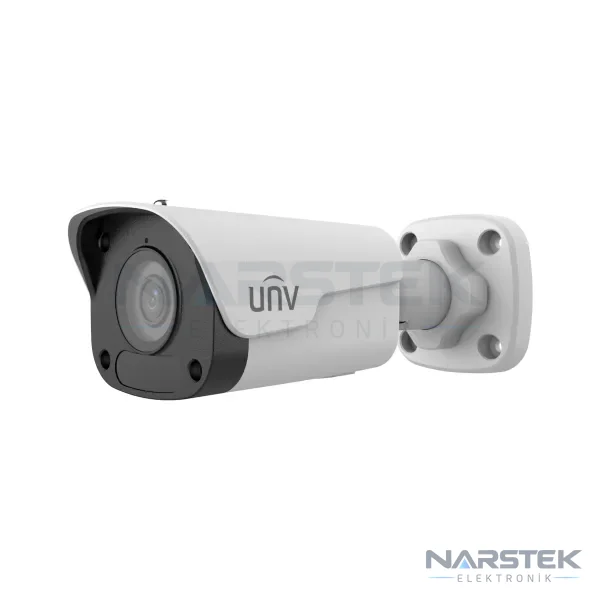
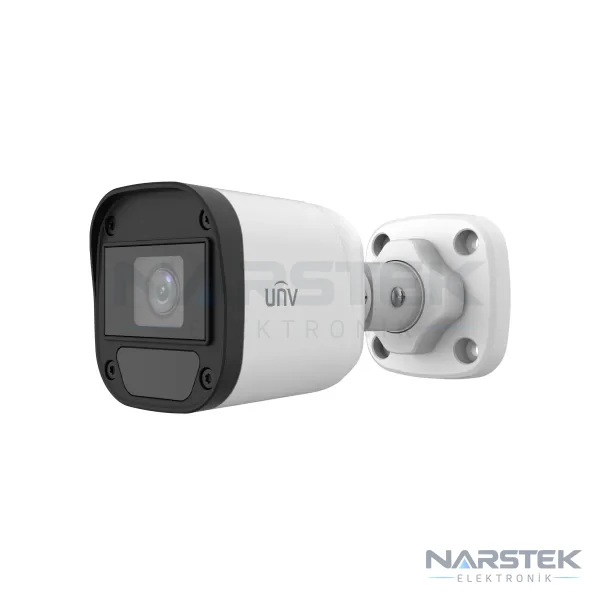
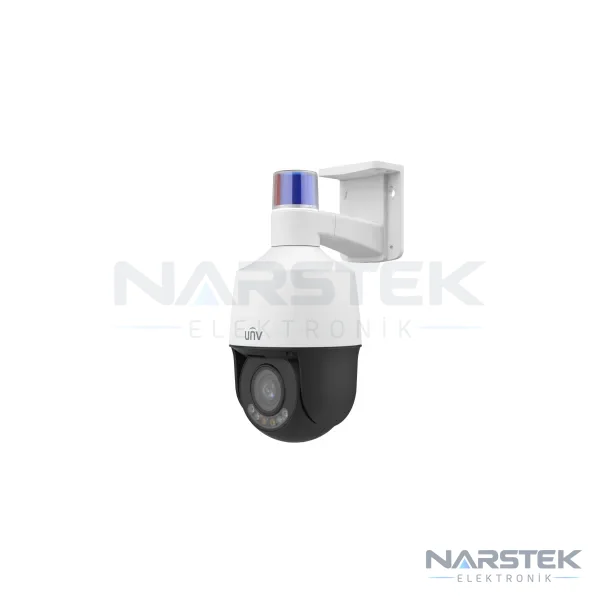
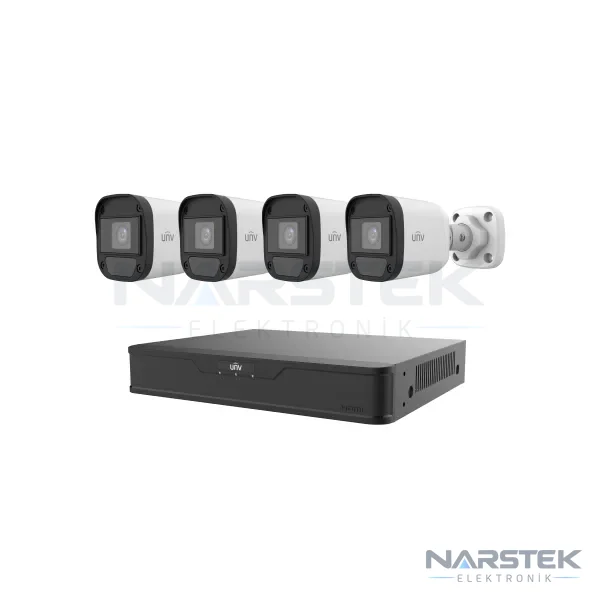
The catalogue includes fixed IP cameras, analogue cameras, PTZ models and analogue kits with DVRs. The examples below illustrate different installation requirements; check the model’s technical documentation and recorder compatibility separately when making your selection.
- IPC2122LB-ADF28KM-H, 2 MP fixed bullet IP camera; 120 dB WDR, built-in microphone, IR illumination up to 30 metres and microSD support.
- IPC2122LB-AF28K-A2, 2 MP fixed-lens IP camera; human detection 2.0, built-in microphone, IR up to 30 metres and operation via PoE or 12 V DC.
- IPC6315LFW-AX5C-VG1, 5 MP network PTZ camera with 5x optical zoom. It can be considered when a moving camera is needed to monitor a wide area.
- UAC-B115-F28, 5 MP analogue bullet camera; supports TVI, AHD, CVI and CVBS outputs and has an IP67 protection rating.
- KIT-XVR301-04G3-4-UAC-B112-F28 is a set containing four analogue cameras and a 4-channel DVR. It allows you to assess the camera and recorder together when considering small-scale analogue installations.
When choosing between a fixed camera, PTZ camera or analogue kit, also consider the field of view. A fixed camera may be sufficient if you need to monitor a specific point, such as a door, till or corridor. If you need to monitor a wide area in different directions or zoom in on distant details, browse the PTZ and Speed Dome Cameras category. A PTZ camera’s ability to move does not mean it records every angle at the same time; the monitoring scenario should be planned accordingly.
Recording duration and storage calculation
Do not choose disk capacity based on the number of cameras alone. The calculation should take into account the bitrate per camera, daily recording hours and recording format. The basic approach is to divide the usable disk capacity by the total data generated by all cameras. The exact result depends on system settings and planning based on the values in the manufacturer’s documentation.
For example, a camera recording continuously at 4 Mbps generates approximately 43 GB of data per day: 4 Mbit/s × 86.400 seconds ÷ 8 ≈ 43.200 MB. As the number of cameras increases, the total daily data also increases. Motion-triggered recording and smart codecs can reduce storage consumption, but the actual recording duration depends on the settings used in the installation.
Compression with H.265 or H.265+ can significantly reduce storage requirements compared with H.264. Check that both the camera and recorder support the selected compression format. Use surveillance-class drives designed for 7/24 operation in recorders. For details of the calculation method, see our article on camera recording duration and HDD calculations.
Pre-installation checklist
- Is the existing system IP or analogue, and what type of cabling is available?
- What areas need to be monitored, what camera angles are required, and what are the night-time lighting conditions?
- How many cameras will be connected, how many hours will recording run for, and what retention period is required?
- Do you need live viewing, playback or access via an app?
- Is the recorder compatible with the camera format and compression features?
Once these questions have been answered, a more suitable product list can be prepared. If you are considering converting an existing analogue system to IP, assess not only the camera cost but also the cabling, recorder and network requirements. For more information about the differences between camera types, read our comparison of IP and analogue cameras.
Contact Narstek for a site survey and quote
Based in Istanbul, Narstek Elektronik provides site surveys, design, installation, maintenance and fault repair for CCTV camera systems, and supplies products across Türkiye. To assess your choice of cameras, recorder and disk together, see our CCTV camera installation and maintenance service or complete the site survey and quote form.
For an initial assessment, share the number of cameras, a brief description of the areas to be monitored, and details of the existing cabling and recorder. If available, also include the device model codes, required recording duration, remote viewing requirements and installation address. This information will help us distinguish between a new installation and options for expanding the existing system. You can call us on 0212 424 07 24 or reach us on WhatsApp at 0540 001 07 24.
Frequently asked questions
What should I consider when choosing between the Uniview Easy and Prime series?
Rather than deciding based on the series name, compare the full model code and specifications in the manufacturer’s documentation. Resolution, lens, illumination, audio, detection functions and recorder compatibility should be assessed against your requirements.
Can a Uniview IP camera be connected to an existing DVR?
Compatibility between an IP camera and a DVR/XVR depends on the device model and the camera inputs it supports. Do not make a final decision without checking the number of cameras, connection method and compatibility information in the manufacturer’s documentation.
Does the EZView app work with every Uniview camera?
Compatibility depends on the camera or recorder model and the support specified in the relevant documentation. Verify the live viewing, recording playback or notification functions you need for the selected device.
How can I increase the camera recording period?
Recording duration depends on disk capacity, the number of cameras, bit rate and daily recording hours. Motion-triggered recording or a supported smart codec may reduce storage use; settings should be selected to suit the recorder and camera specifications.
Share the panel brand, number of devices and address, and we’ll get back to you about a site survey and quote.