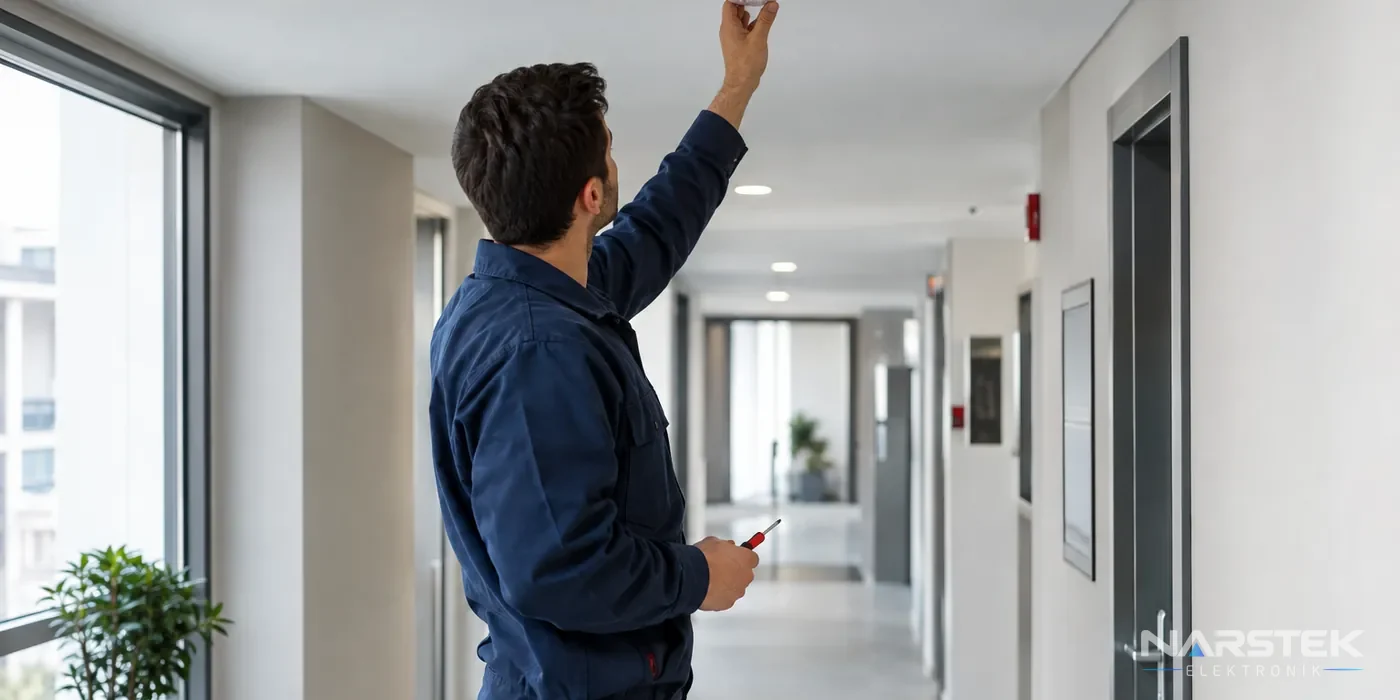
Even if a fire alarm appears to have been triggered for no reason, first check whether there is a real fire. Observe the area where the alarm originated from a safe location; if you notice smoke, a burning smell or a rise in temperature, follow the evacuation procedure and notify the relevant authorities.
If there is no visible danger, check the panel to see which detector, zone or manual call point has triggered the alarm. If the same warning recurs, do not disable the device; identify the cause, as an unsuitable detector, contamination or a cable connection issue can all produce similar results.
Eight common causes of false alarms
When carrying out maintenance and fault checks, the location of the alarm and the conditions at the time are the first clues. As you check the causes below, consider the detector’s position, the panel display and whether the event has recurred.
- Dust and contamination: Dust that accumulates in the detector’s sensing chamber can cause it to respond as though smoke were present. Have the area around the detector and its exterior checked; cleaning must be carried out in accordance with the manufacturer’s instructions. If contamination warnings or alarms recur, the detector may need to be cleaned or replaced.
- Steam from bathrooms or kitchens: Dense steam can trigger an alarm, particularly when it reaches a nearby smoke detector. The detector’s position should be assessed in relation to airflow and the source of the steam. Depending on the project requirements and panel compatibility, a specialist may consider a heat or multisensor detector for a kitchen.
- Cigarette smoke: Smoke from a cigarette smoked near the detector can reach its sensing area. Moving the detector may not, by itself, be the right solution; the protected area and its conditions of use should be considered together. Avoiding smoking indoors and checking the device regularly can reduce the risk of recurrence.
- Dust from renovation work: Fine dust produced by drilling, sanding and cutting can enter the detector. Before work begins, plan how the system will be protected with the site’s responsible person and the fire system service provider. Check the detectors once the work is complete; if temporary covers have been used, remove them before the system is put back into service.
- Insects: Small insects can enter the detector’s sensing chamber and cause erratic operation. Do not try to open the detector with a sharp object or spray it with insecticide. A service technician should inspect the device using an appropriate method; cleaning or replacement may be required if it is contaminated or damaged.
- Humidity and condensation: Sudden temperature changes and humidity can cause condensation inside the detector. Check the location of devices installed near ventilation outlets, cold surfaces and damp areas. The choice of a detector suitable for the environmental conditions and its installation location should be assessed against the project requirements.
- Unsuitable detector type: Installing only an optical smoke detector in an area where steam, dust or heat is produced during normal operation can cause recurring alarms. The right solution is to consider heat or multisensor options in light of the environmental conditions, while maintaining the required level of fire detection. Detector replacement must take account of the panel’s make and protocol compatibility.
- Line fault, poor connection or impact to a manual call point: A loose connection, damaged cable or moisture-related issue can cause a fault or intermittent condition at the panel. An object striking a manual call point can also trigger an alarm. Check the physical condition of the call point and the event log on the panel; cable and connection checks should be left to an authorised technician.
In Addressable systems, the panel identifies the device by its individual address. In Conventional systems, alarms are generally monitored by the area in which the device is located, known as a zone; locating the source may therefore require an on-site check. Correctly interpreting the information provided by the panel can help avoid unnecessary device replacement.
What to do when the alarm sounds
Do not delay evacuation on the assumption that the alarm is false. First check the alarm information on the panel, then observe the relevant area from a safe location. If there is smoke, a flame, a burning smell or any other risk, follow the building’s emergency plan; do not enter the danger area.
- Make a note of the address, zone or device type shown on the panel. The time of the alarm and any work taking place at the time can also help with fault diagnosis.
- If there is no visible danger, check whether the alarm recurs and whether there is steam, dust, smoke or renovation work nearby.
- Do not repeatedly silence the panel, disable the detector or leave it covered. Disabling fire protection could delay the detection of a real incident.
- Once an authorised person has completed the checks and the system’s status is clear, take the action specified in the panel instructions.
If the panel displays a fault warning rather than an alarm, report this separately. Indications such as an open circuit, short circuit or connection problem may require a different technical investigation from an alarm source. Learn more about the meanings of fire panel fault warnings.
How the system should be inspected for a lasting solution
When an alarm recurs, first review the event log and the device location. Then check the detector surface and its surroundings, the installation location, environmental conditions, cable connections and the status shown on the panel. If the issue is contamination, clean or replace the detector; if it is unsuitable for the environment, consider a more appropriate detector type.
In addressable systems, detectors and modules must be compatible with the panel protocol. Devices from different brands are often not directly compatible. Conventional systems, on the other hand, are monitored by zone. Product selection should therefore take account not only of the detector’s features, but also of the existing panel, wiring and project.
Delay or verification settings should be assessed by authorised personnel in line with the facility’s design and intended use. These settings must not be changed arbitrarily in a way that delays a genuine fire alarm or used to silence the system instead of identifying the source of false alarms. Periodic maintenance helps identify contamination and connection problems at an early stage. You can review the scope of our security systems service and maintenance, and also consult the fire alarm system maintenance checklist.
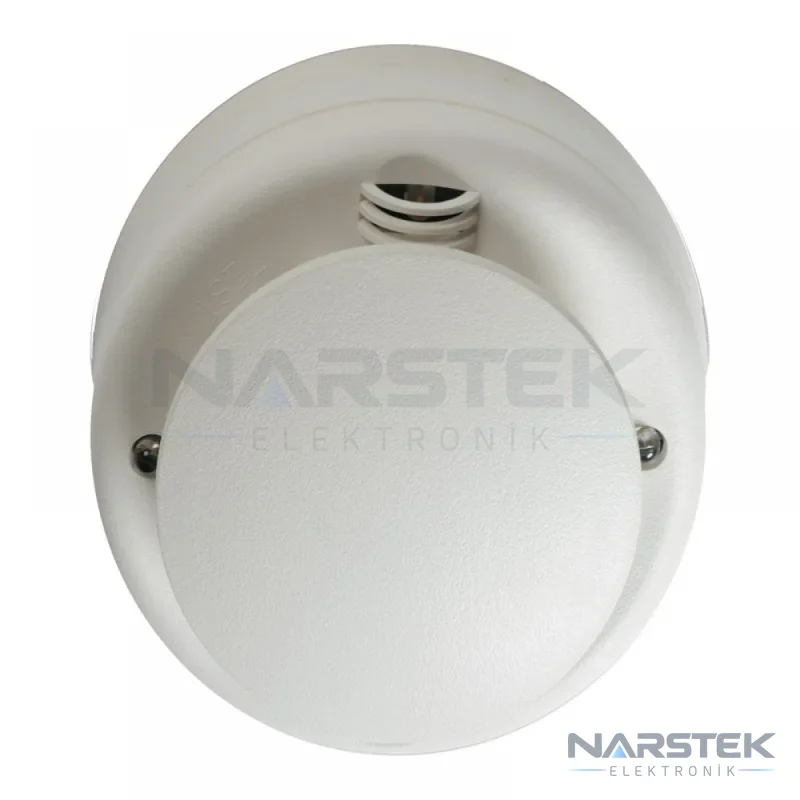
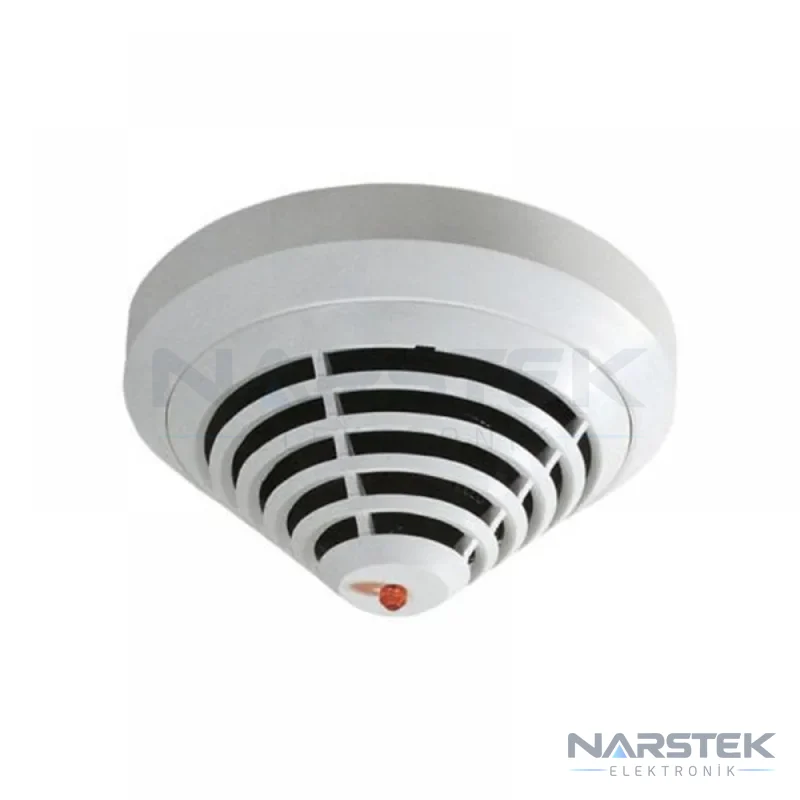
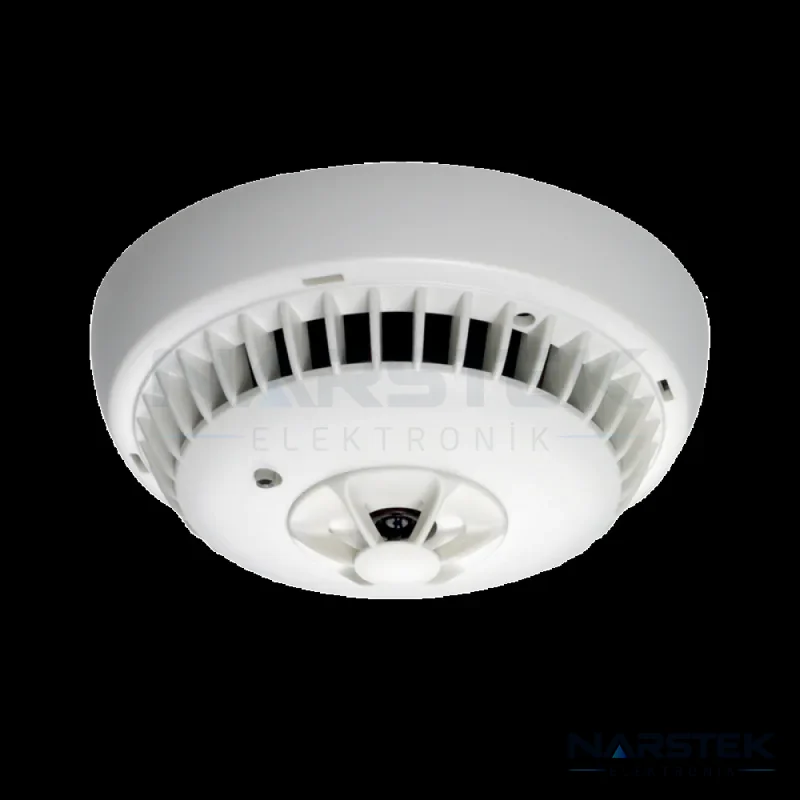
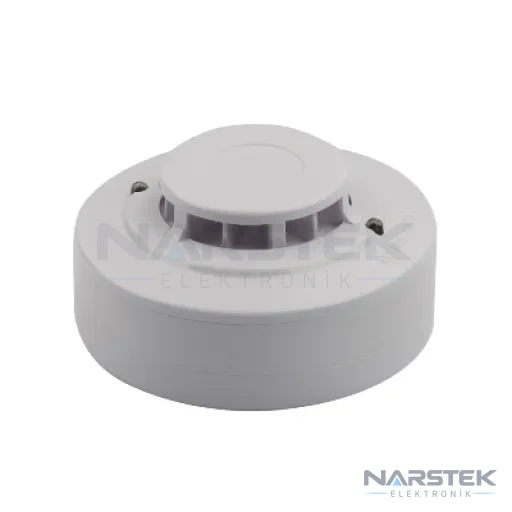
Different detection options may be required depending on the environment. For example, you can consider Aritech DP2061T or Detectomat PL 3300 OTI, which combine optical smoke and heat detection. For smoke detection, see Bosch FAP-425-O-R; for fixed-temperature detection, see the product information for Global Fire HD912-2L. These are not recommendations for every application; suitability and panel compatibility must be determined during a site survey. For other options, see the detectors page.
Request a service visit and site survey from Narstek
Narstek Elektronik, based in Istanbul, provides site surveys, design, installation, maintenance and fault repair for fire detection and alarm systems. If the source of an alarm cannot be identified on site or the same device keeps triggering, you can submit a technical service request. Contact the company for projects outside Istanbul and for product supply as well.
For a quote or service request, provide the building type and full address, the panel make and model, the alarm or fault message shown on the panel, the affected floor or zone, and how long the issue has been recurring. If available, a photo of the panel display and the relevant detector will help the service team with its initial assessment. For a site survey, use the site survey and quote form or call 0212 424 07 24. You can reach us on WhatsApp at 0540 001 07 24 or email info@narstek.com.
Frequently asked questions
The fire alarm is going off, but there is no visible smoke. What should I do?
First check the panel to identify which device or zone has triggered the alarm, then observe the relevant area from a safe location. If you notice smoke, a burning smell or any other sign of danger, follow the evacuation procedure. If there is no apparent danger, make a note of the alarm source and report it to the authorised service provider.
If the indicator light on the detector is on, does that conclusively identify the cause of the alarm?
The indicator light and panel display can help identify the device that triggered the alarm, but they do not, on their own, prove the cause of the fault. Possible causes such as contamination, steam, an unsuitable detector type or a connection problem should be checked on site.
Can I cover the detector to prevent false alarms?
No. Covering the detector or disabling it could prevent a real fire from being detected. Contact an authorised service provider to identify the cause of recurring alarms.
Is the alarm source identified in the same way in Addressable and Conventional systems?
An Addressable system identifies the device by its individual address on the panel. A Conventional system monitors devices by zone, so the relevant area may need to be checked separately to locate the source.
Share the panel brand, number of devices and address, and we’ll get back to you about a site survey and quote.